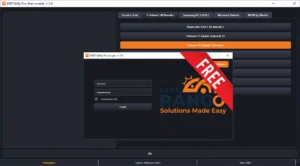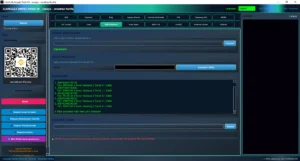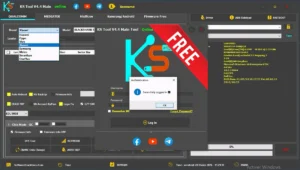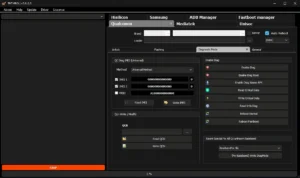
ZeroKnox Removal V2.1-Free FRP & Knox Removal Tool (Android 16 FRP For Safety Is Turned Off Temporary) Add Smart Firmware Flasher, Auto Root Engine Compatibility With Newer Samsung MTK Devices
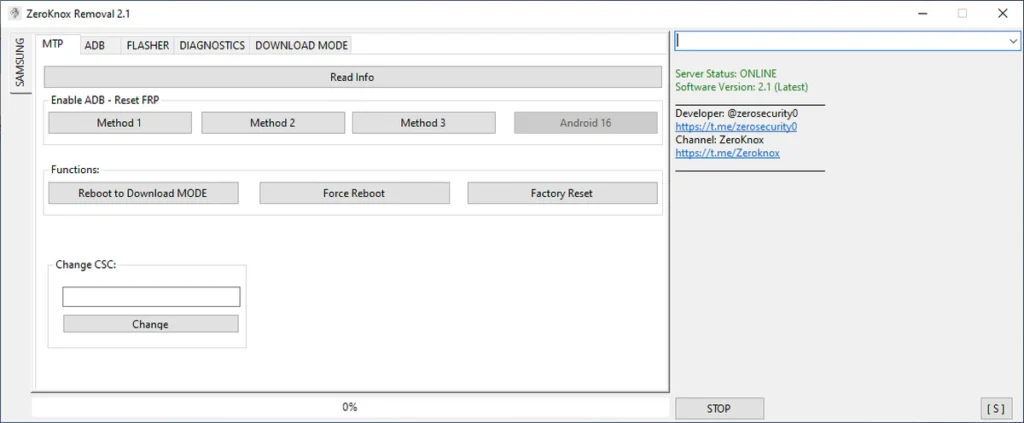
ZeroKnox Removal Tool, is an Android unlock software designed for Samsung smartphones that use MediaTek (MTK) chipsets. It is widely discussed as a Samsung FRP bypass tool that supports Knox-related locks under specific conditions.
Unlike paid solutions, ZeroKnox is often described as a free FRP unlock software, which makes it popular among users looking for an unlock FRP at home solution.
Key Purpose of ZeroKnox Removal:
Key Purpose of ZeroKnox Removal:
- Address Factory Reset Protection lock issues
- Handle Knox Guard bypass scenarios
- Assist with KG lock removal
- Provide a PC-based Android security lock solution
Important: ZeroKnox Removal is intended for educational purposes and legitimate device ownership scenarios only.
What’s New?
- Improved compatibility with newer Samsung MTK devices
- Better handling of ADB mode and MTP connection
- Enhanced stability on modern Windows systems
Improvements in Version 2.1:
- Cleaner user interface
- Updated device detection
- More reliable Samsung USB drivers recognition
- Reduced connection errors during phone-to-PC communication
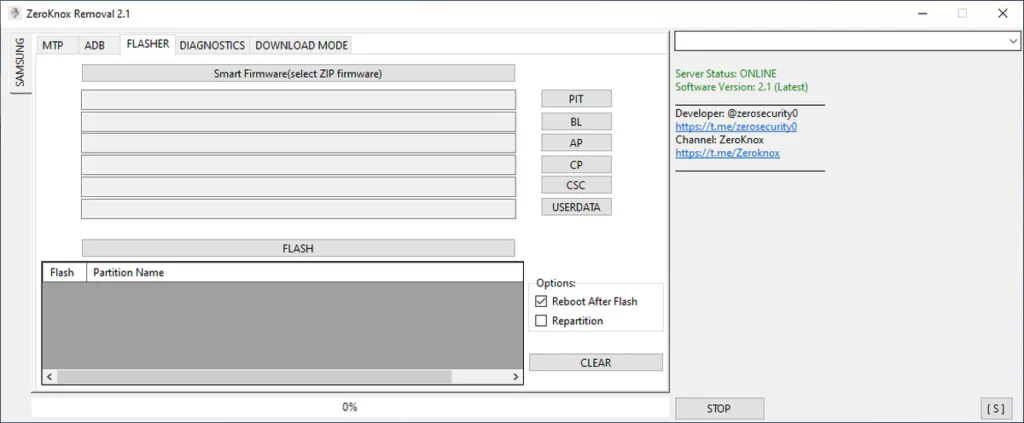
Main Features:
Free FRP Bypass Tool:
ZeroKnox is widely known as a free FRP bypass tool, which removes the dependency on expensive paid software.
Designed for Samsung MTK Devices:
The tool primarily supports Samsung MTK devices, ensuring better compatibility with MediaTek chipsets.
Supports ADB Mode Operations:
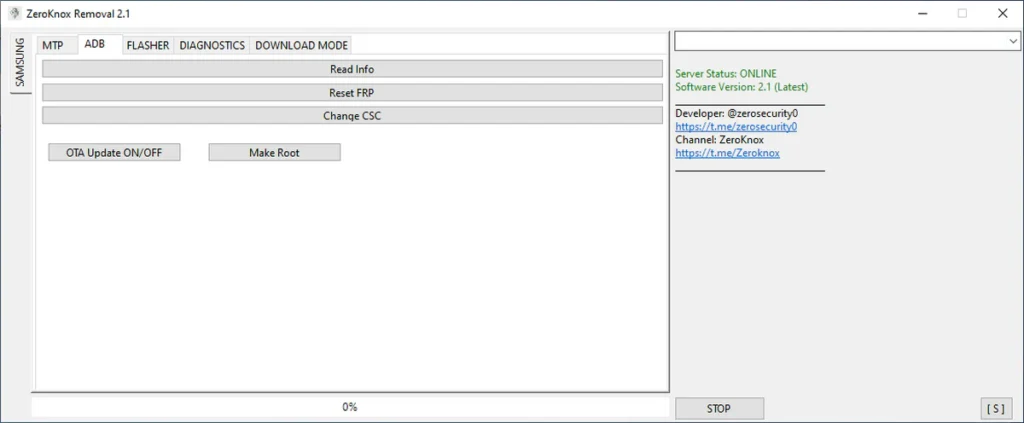
ZeroKnox interacts with devices using ADB mode, allowing controlled communication when USB debugging is enabled.
MTP Connection Support:
A stable MTP connection helps the PC recognize the Samsung phone correctly during operation.
Beginner-Friendly Interface:
Even users with no technical background can understand the layout and basic workflow.
Works as Android Unlock Software:
ZeroKnox falls under Android unlock software, focusing on educational and device-recovery scenarios.
7. No Paid Activation Required
Unlike many FRP unlock software tools, ZeroKnox does not require license keys.
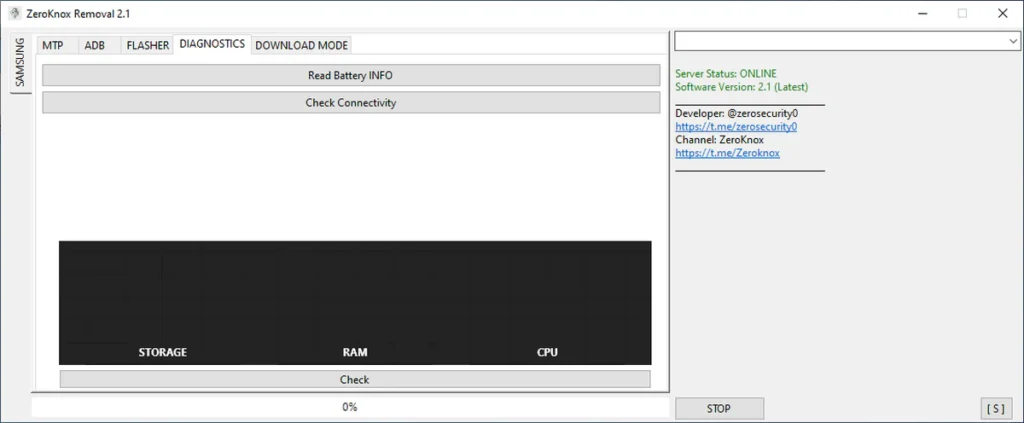
System Requirements:
PC Requirements:
- Windows 7 / 8 / 10 / 11
- Minimum 4GB RAM
- Stable USB port
- Administrator access
Phone Requirements:
- Samsung smartphones
- USB cable (original recommended)
- Charged battery (minimum 50%)
Drivers & Files:
- Samsung USB drivers
- Proper file extraction before use
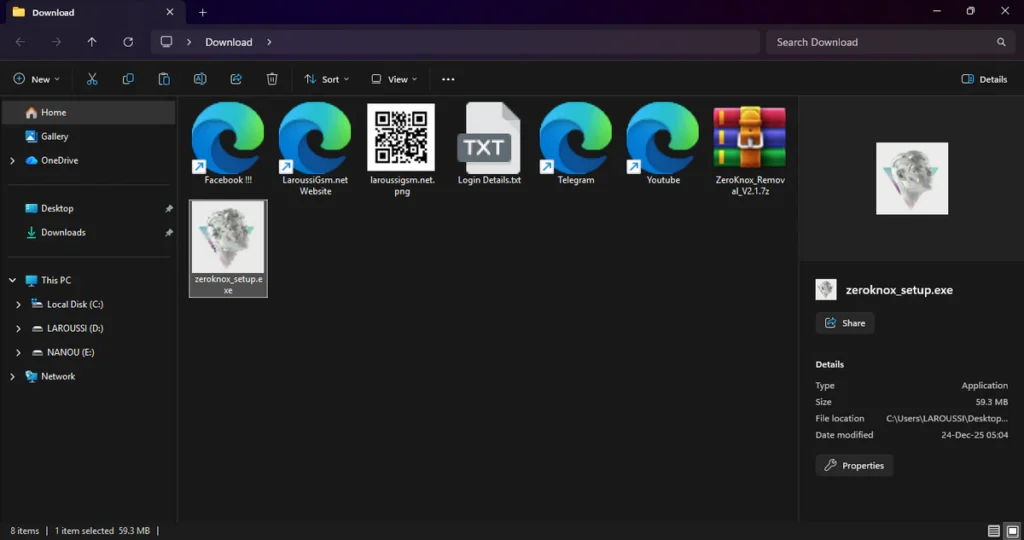
| File Info | Details |
|---|---|
| ✏️ File Name : | ZeroKnox_Removal_V2.1.7z (Updated) |
| ⚙️ Version : | V2.1 (Updated 2025) |
| 📁 File size : | 58.5 MB (ِExtracted Size : 120 MB) |
| 🔓 Password RAR : | laroussigsm.net |
| 🚀 Download Link : | 𝗨𝗣𝗟𝗢𝗔𝗗𝗥𝗔𝗥 | 𝗨𝗣𝗟𝗢𝗔𝗗𝟰𝗘𝗩𝗘𝗥 | 𝗠𝗘𝗚𝗔𝟰𝗨𝗣 | 𝗙𝗥𝗘𝗘𝗗𝗟𝗜𝗡𝗞 |
HOW TO USE ?
- First, you need to download the zip file from the below link.
- Next, you can unzip all files at c: drive (important)
- Ensure you have disabled the antivirus before running the installation
- Next, open the folder and install the setup file with some basic instruction
- Run the shortcut from the desktop as administrator “ZeroKnox.exe”.
- Next, you can install all drivers (included in the tool only need to one-click) if you already installed skip this step
- Connect the phone and try to do any function
- Enjoy !!!
Take a Backup : If you are willing to try the above tool, then please take a backup of your personal data from your Android Smartphone or Tablet. As flashing any Firmware or recovery may brick the device.
Credits : The Tool is created and distributed by the developer. So, full credits go to the developer for sharing the tool for free.