PrimeTool X V8.5 The Ultimate FRP Unlocking & Driver Installation Tool (Samsung Android 16 Support) For Samsung, Xiaomi, & Motorola Devices, One-click Factory Reset Protection (FRP) Locks
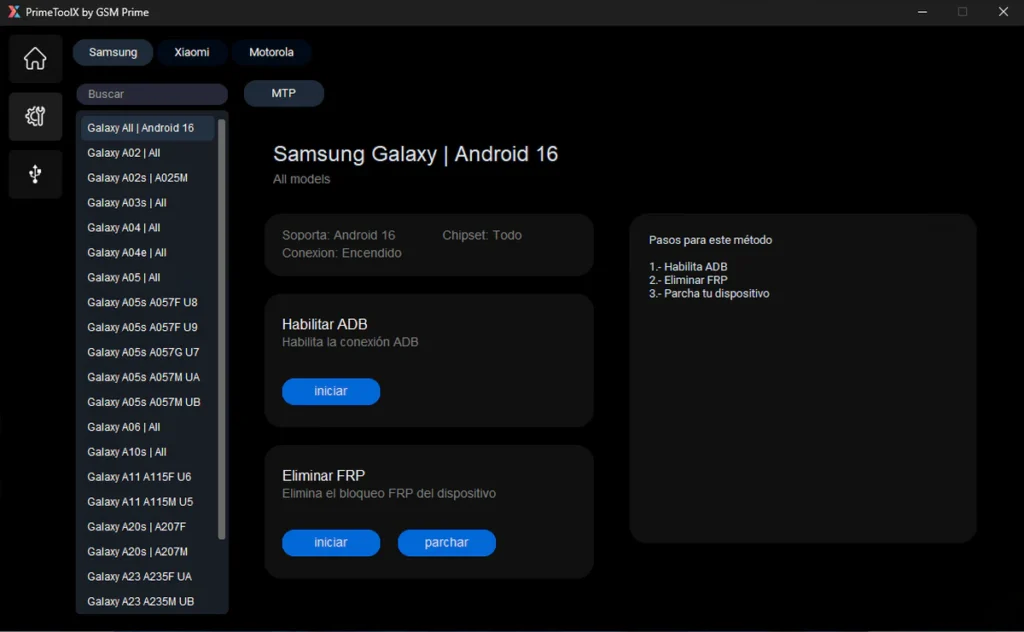
PrimeToolX 8.5 This new update of PrimeToolX helps you unlock Samsung phones with Android 16. It works with many models like A02, A03s, A05s, A10s, A11, A20s, and more. You just need to turn on the phone, click “Enable ADB,” then “Remove FRP,” and finally “Patch.” It’s easy to use and supports all chipsets. No need to worry—just follow the steps and your phone will be ready.
Features of PrimeTool X:
- Supports FRP removal for Samsung and Xiaomi devices [Xiaomi Redmi A3 Device support only]
- Works in Preloader | Brom mode
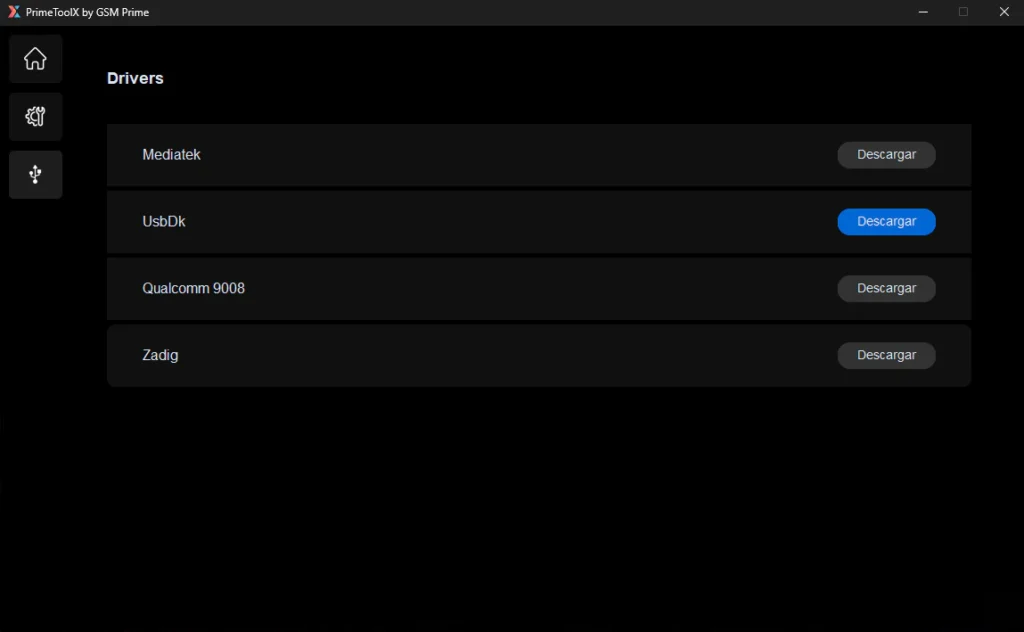
- Includes driver installation for MediaTek and UsbDk
- Simple and modern user interface
- One-click FRP removal
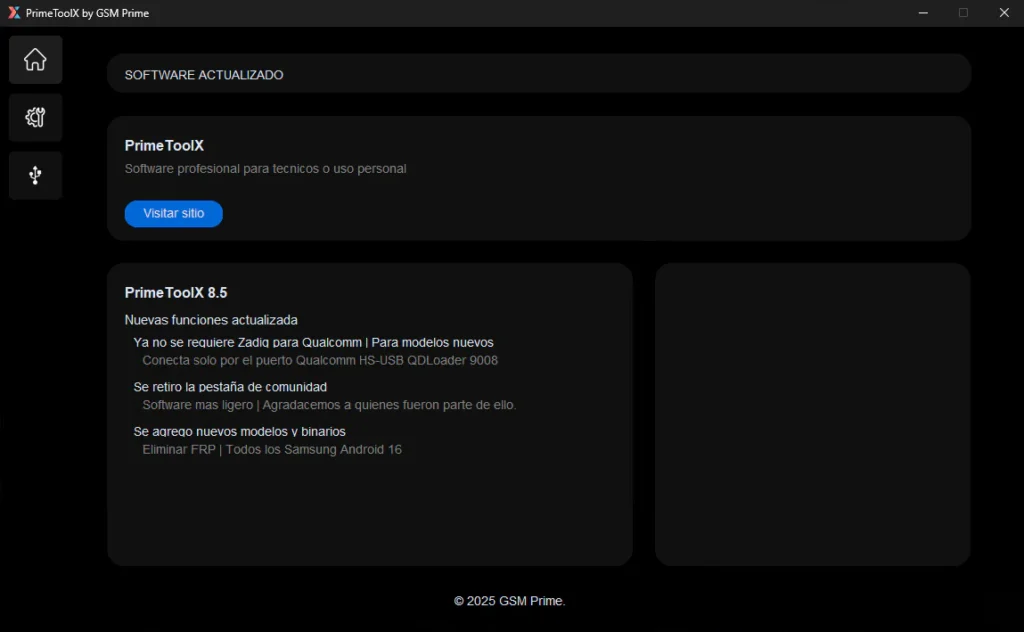
🛠️ PrimeToolX by GSM Prime V8.5 – Changelog (Samsung Android 16 Support)
✅ New Device Support Added:
- Galaxy A02 (All variants)
- Galaxy A02s (A025M)
- Galaxy A03s (All)
- Galaxy A04 / A04e / A05 (All)
- Galaxy A05s:
- A057F U8 / U9
- A057G U7
- A057M UA / UB
- Galaxy A06 (All)
- Galaxy A10s / A11 / A20s (All + A207M)
- Galaxy A11:
- A115F U6
- A115M U5
- Galaxy A23:
- A235F UA
- A235M UB
New Features:
- Enable ADB: One-click method to activate ADB on supported devices.
- Remove FRP: Fast FRP bypass with patch option.
- Patch Device: Final step to complete FRP removal and stabilize ADB.
Method Steps:
- Enable ADB
- Remove FRP
- Patch your device
Compatibility:
- Android Version: Fully supports Android 16
- Connection Mode: Device must be powered on
- Chipset Support: All chipsets supported
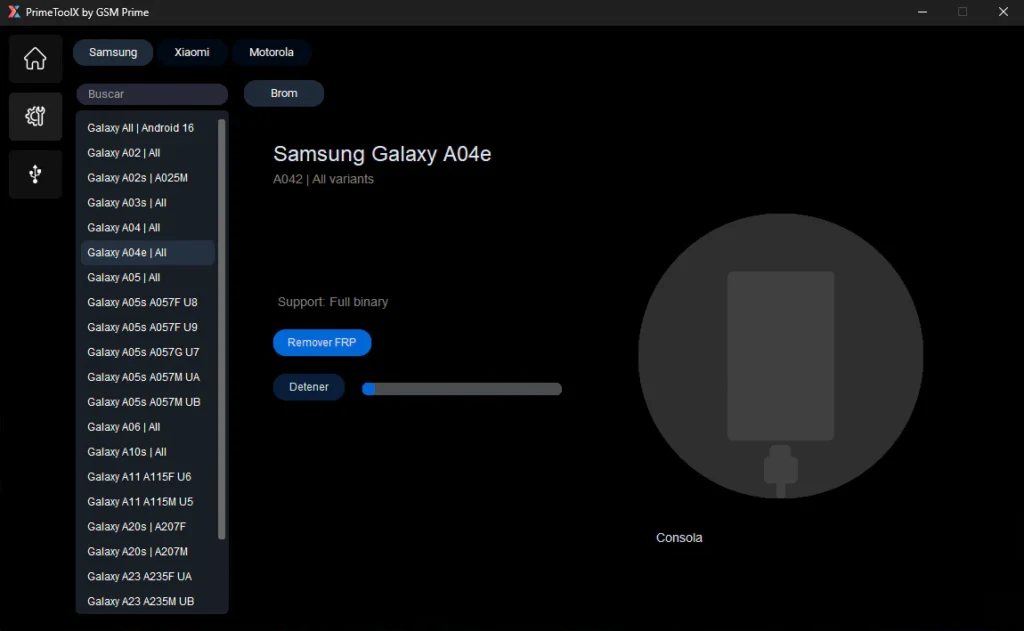
📱 Samsung Support:
| Model | Variant / Bit Support |
|---|---|
| Samsung A02 | All variants – Full Bit |
| Samsung A02s | A025M – Bit 9 |
| Samsung A03s | All variants – Full Bit |
| Samsung A04 | All variants – Full Bit |
| Samsung A04e | All variants – Full Bit |
| Samsung A05 | All variants – Full Bit |
| Samsung A05s | A057F – Bit 8 |
| Samsung A05s | A057M – Bit 9 |
| Samsung A06 | All variants – Full Bit |
| Samsung A10s | All variants – Full Bit |
| Samsung A11 | A115M – Bit 5 |
| Samsung A11 | A115F – Bit 6 |
| Samsung A20s | A207F – Bit 5 |
| Samsung A20s | A207M – Bit 4 |
| Samsung A32 | All variants – Full Bit |
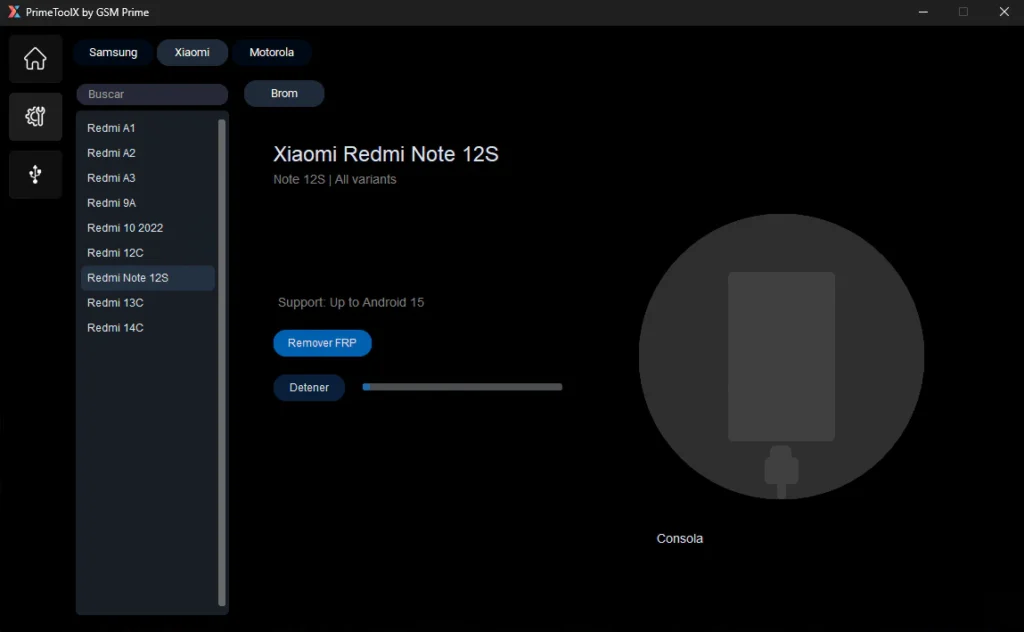
📱 Xiaomi Support:
| Model | Android Version |
|---|---|
| Redmi A1 | Android 12 |
| Redmi A2 | Android 13 |
| Redmi A3 | Android 15 |
| Redmi 9A | Android 11 |
| Redmi 10 (2022) | Android 13 |
| Redmi 12C | Android 15 |
| Redmi Note 12S | Android 15 |
| Redmi 13C | Android 15 |
| Redmi 14C | Android 14 |
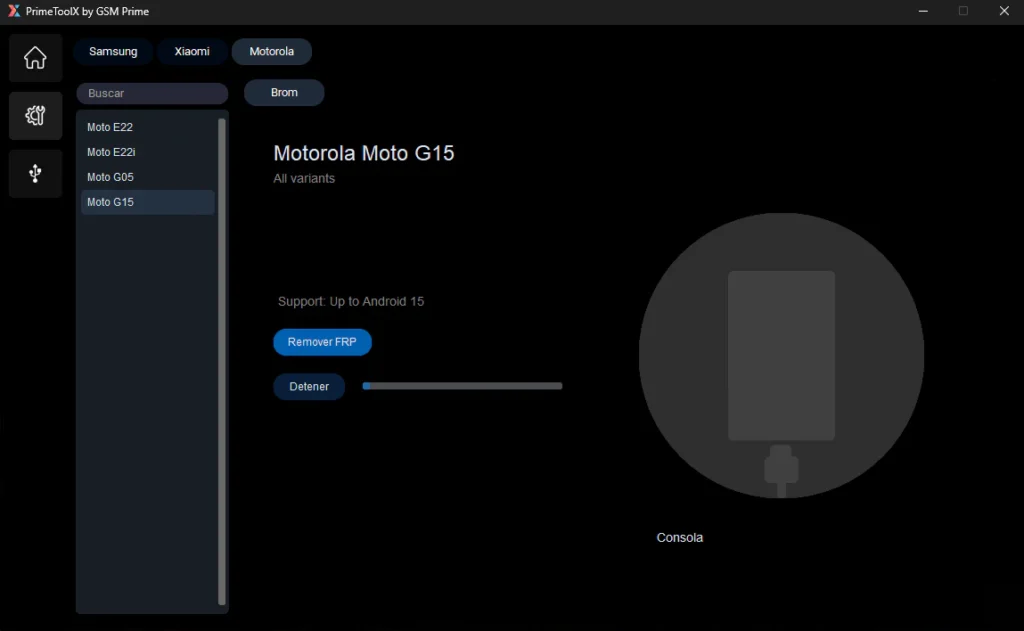
📱 Motorola Support:
| Model | Android Version |
|---|---|
| Moto E22 | Android 12 |
| Moto E22i | Android 12 |
| Moto G05 | Android 15 |
| Moto G15 | Android 15 |
🛠️ Drivers Included:
- MediaTek Driver
- UsbDk Driver
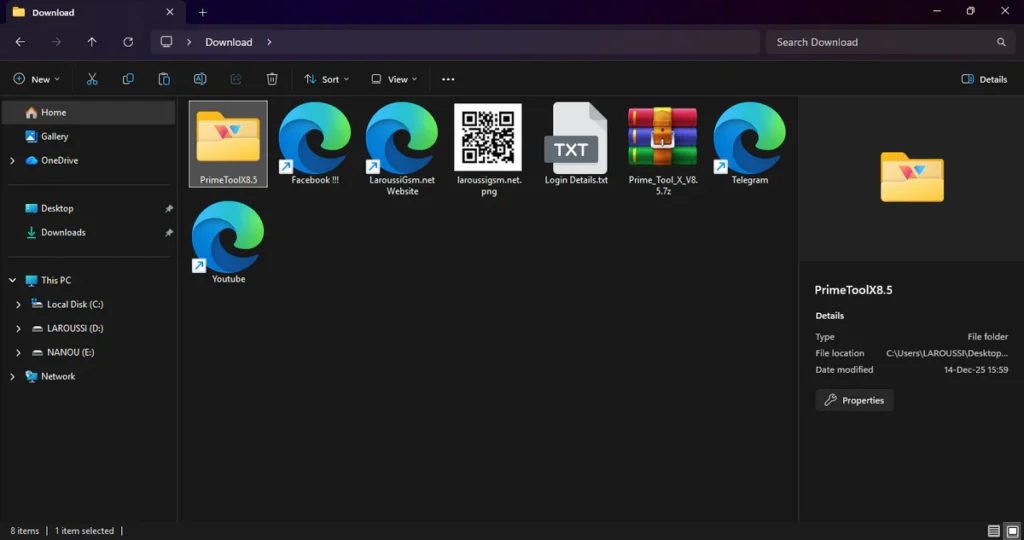
| File Info | Details |
|---|---|
| ✏️ File Name : | Prime_Tool_X_V8.5.7z |
| ⚙️ Version : | V8.5.7 (2025 Update) |
| 📁 File size : | 109.0 MB (ِExtracted Size : 351 MB) |
| 🔓 Password RAR : | laroussigsm.net |
| 🚀 Download Link : | 𝗨𝗣𝗟𝗢𝗔𝗗𝗥𝗔𝗥 | 𝗨𝗣𝗟𝗢𝗔𝗗𝟰𝗘𝗩𝗘𝗥 | 𝗠𝗘𝗚𝗔𝟰𝗨𝗣 | 𝗙𝗥𝗘𝗘𝗗𝗟𝗜𝗡𝗞 |
HOW TO USE ?
- First, you need to download the zip file from the below link.
- Next, you can unzip all files at c: drive (important).
- Ensure you have disabled the antivirus before running the installation.
- Next, open the folder and install the setup file with some basic instruction.
- This is a portable tool, which means no installation is required!
- Run the shortcut from the desktop “PrimeTool.exe”.
- Please do not click multiple times-just wait for the GUI to load properly.
- Next, you can install all drivers (included in the tool only need to one-click) if you already installed skip this step.
- Connect the phone and try to do any function.
- Enjoy !!!
Take a Backup: If you are willing to try the above tool, then please take a backup of your personal data from your Android Smartphone or Tablet. As flashing any Firmware or recovery may brick the device.
Credits: The Tool is created and distributed by the developer. So, full credits go to the developer for sharing the tool for free.