E-GSM Key Tool V1.0.3 Xiaomi Service Tool Free Online For Qualcomm, MediaTek, & Unisoc Devices MTK V6/V5 Auth, Assistant FRP, Fastboot To EDL Firmware Flashing, Mi Account Bypass
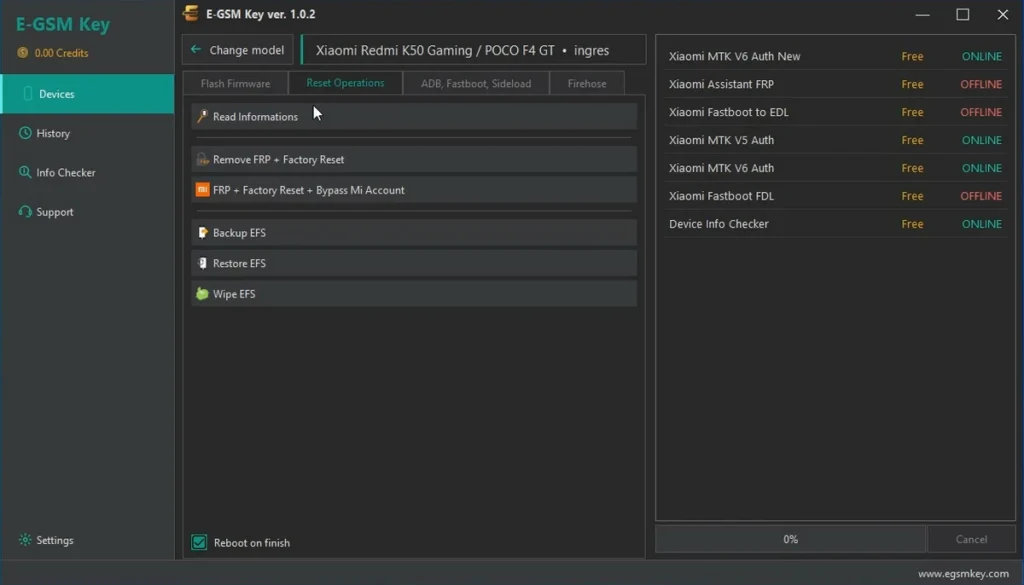
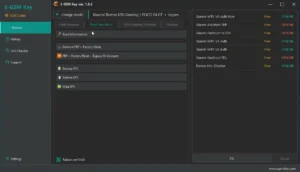
E-GSM Key is a Xiaomi service tool with support for Qualcomm, MediaTek, and Unisoc devices. The provided version is 1.0.3 and the software includes Fastboot, Sideload, and ADB modes. It can be used for firmware flashing, FRP related operations, device information, EFS operations, and other listed Xiaomi service functions.
What’s New (Changelog)!
- E-GSM Key is officially available for use.
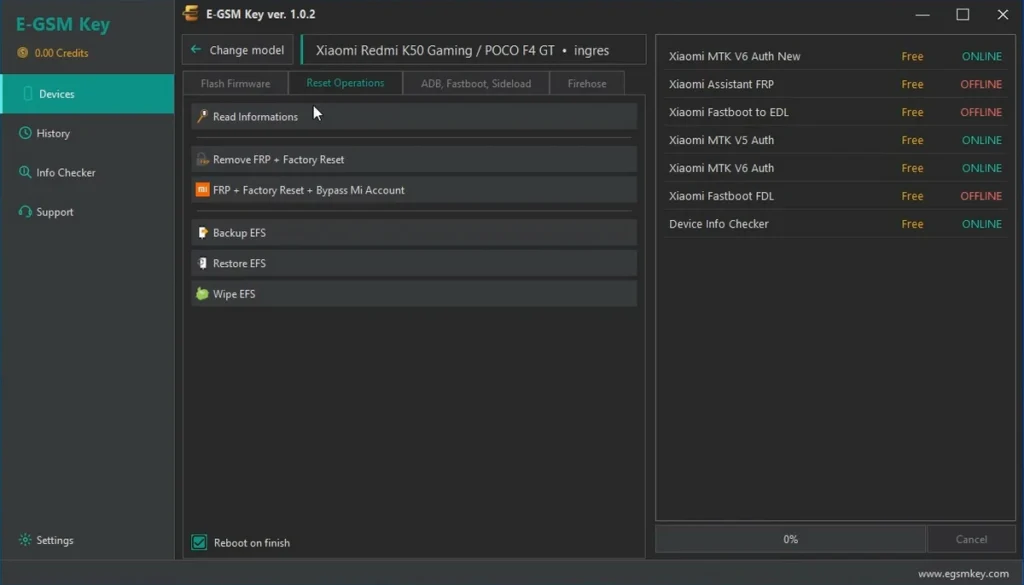
- Xiaomi MTK V6 Auth New is available free and online.
- Xiaomi Assistant FRP is available free and online.
- Xiaomi Fastboot to EDL is available free and online.
- Xiaomi MTK V5 Auth is available free and online.
- Xiaomi MTK V6 Auth is available free and online.
- Xiaomi Fastboot FDL is available free and online.
- Device Info Checker is available free and online.
- The announcement states that all listed operations are currently completely free.
Features :
- Qualcomm firmware flashing
- Qualcomm device information reading
- Qualcomm FRP removal
- Qualcomm EFS backup
- Qualcomm EFS restore
- Qualcomm EFS wipe
- Qualcomm Mi Account bypass
- MediaTek firmware flashing
- MediaTek FRP removal
- MediaTek factory reset
- MediaTek Mi Account removal
- MediaTek preloader flashing
- Fastboot device information reading
- Fastboot firmware flashing
- Xiaomi Flash
- Fastboot FRP removal
- Fastboot FRP format
- Fastboot bootloader unlock
- Fastboot bootloader lock
- Fastboot factory reset
- Fastboot to EDL
- Sideload device information reading
- Sideload FRP removal
- ADB device information reading
- ADB reboot
- ADB Diag mode
- Xiaomi MTK V6 Auth New
- Xiaomi Assistant FRP
- Xiaomi MTK V5 Auth
- Xiaomi MTK V6 Auth
- Xiaomi Fastboot FDL
- Device Info Checker
- Online server functions
Supported Qualcomm Models:
- Xiaomi 15 (dada)
- Xiaomi 14 (aurora)
- Xiaomi 17 Max (byron)
- Xiaomi 10 Ultra (cas)
- Xiaomi Mi 10 Pro 5G (cmi)
- Xiaomi Mi 10 5G / 10T Pro 5G / Redmi K30S (apollo)
- Xiaomi Mi 11 Lite (courbet)
- Xiaomi Mi A2 Lite (daisy)
- Xiaomi Pocophone F1 (beryllium)
- Xiaomi Poco M3 (citrus)
- Xiaomi CIVI 4 (chenfeng)
- MIX Flip 2 (bixi)
- Mi Pad 5 Pro 12.4 (dagu)
- POCO F3 / Redmi K40 / Mi 11X (alioth)
- POCO F8 Pro / Redmi K90 (annibale)
- POCO M6 Plus 5G / Redmi Note 13R / 13 5G (breeze)
- POCO M7 / Redmi 15 (creek)
- POCO X8 Power / Redmi Note 17 Pro Max 5G (brussels)
- Redmi Note 14 Pro+ (amethyst)
- Redmi Note 9 Pro / Redmi Note 9S (curtana)
- Redmi K100 Pro (athens)
- Redmi K20 / Mi 9T (davinci)
Supported MediaTek Models:
- Xiaomi 14T (degas)
- Xiaomi 13T (aristotle)
- Xiaomi 13T Pro / Redmi K60 Ultra (corot)
- Xiaomi 11T (agate / amber)
- Xiaomi 17T (chagall)
- Xiaomi 12 Pro Dimensity (daumier)
- Xiaomi Redmi A3 / POCO C61 (blue)
- Xiaomi Redmi 12C 5G (air)
- Redmi Note 14 5G / POCO M7 Pro 5G (beryl)
- Redmi Note 15 Pro 4G (charoite)
- Redmi K80 Ultra (dali)
- Redmi Turbo 5 Max / POCO X8 Pro Max (dash)
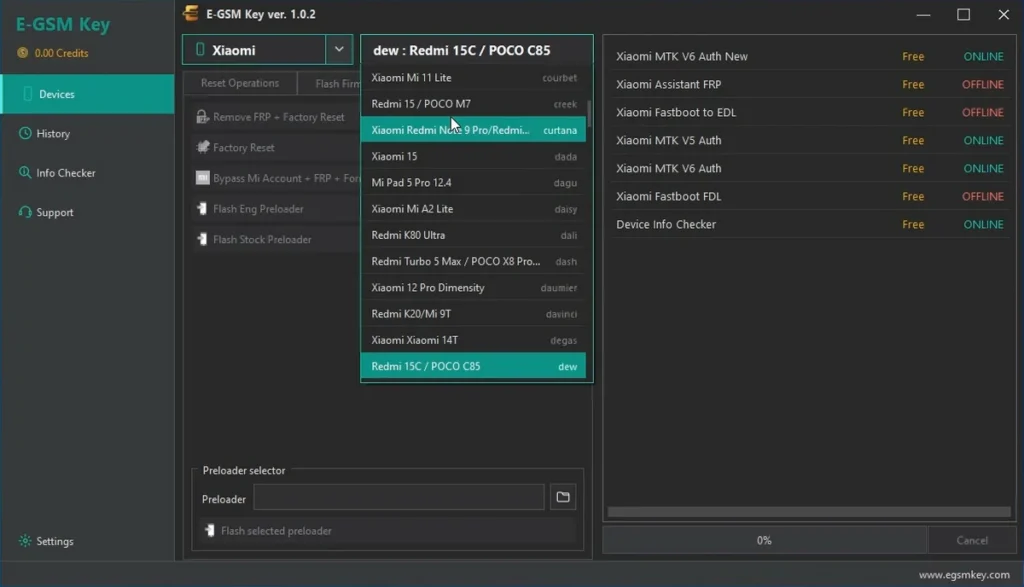
- Redmi 15C / POCO C85 (dew)
Supported Unisoc Models:
- Redmi A7 Pro / POCO C81 Pro (arctic)
- Redmi A3x / Redmi A5 (missi)
| File Info | Details |
|---|---|
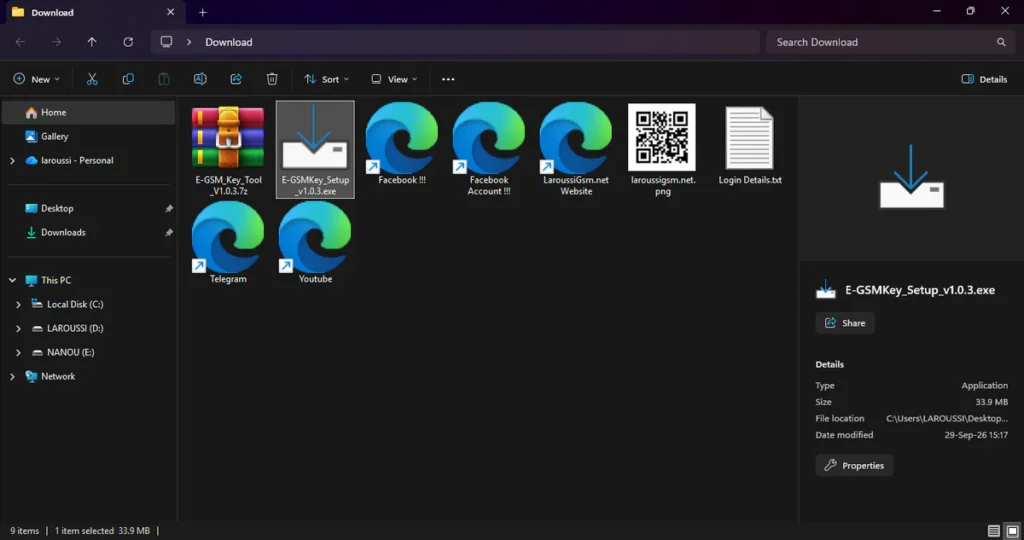
| File Name : | E-GSM_Key_Tool_V1.0.3.7z |
| Version : | V1.0.3 (Updated 2026) |
| File size : | 33.4 MB (ِExtracted Size : 145 MB) |
| Password RAR : | LAROUSSIGSM.NET |
| Activation Files Only: | 𝗨𝗣𝗟𝗢𝗔𝗗𝗥𝗔𝗥 | 𝗨𝗣𝗟𝗢𝗔𝗗𝟰𝗘𝗩𝗘𝗥 | 𝗠𝗘𝗚𝗔𝟰𝗨𝗣 | 𝗙𝗥𝗘𝗘𝗗𝗟𝗜𝗡𝗞 |
🎁 Create an E-GSM Key account:
https://egsmkey.com/register
HOW TO USE ?
- First, you need to download the zip file from the below link.
- Next, you can unzip all files at c: drive (important).
- Ensure you have disabled the antivirus before running the installation.
- Next, open the folder and install the setup file with some basic instruction.
- Run the shortcut from the desktop “E-GSMKey_Setup_v1.0.3.exe”.
- Next, you can install all drivers (included in the tool only need to one-click) if you already installed skip this step.
- Connect the phone and try to do any function.
- Enjoy !!!
Take a Backup: If you are willing to try the above tool, then please take a backup of your personal data from your Android Smartphone or Tablet. As flashing any Firmware or recovery may brick the device.
Credits: The Tool is created and distributed by the developer. So, full credits go to the developer for sharing the tool for free.