Xiaomi BD Auth V3.0 With Login (Best Auth Tool) Supports Bypass Auth, Fastboot, ADB, & Mediatek FRP lock/MiCloud (Disable No Relock), ENG Preloader, Factory Reset, Server & ADB Options
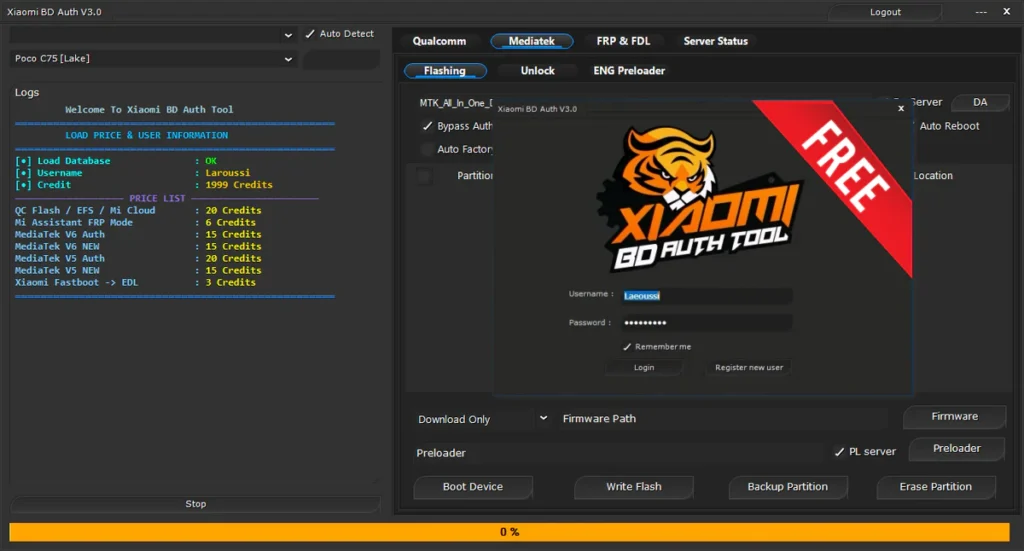
Xiaomi BD Auth V3.0, is a powerful tool made for Xiaomi phones. It is mostly used to fix FRP, Mi Account, and flashing problems. Many mobile shops use this tool for daily repair work. It also supports flashing and repair options. Both beginners and advanced users can use it easily.
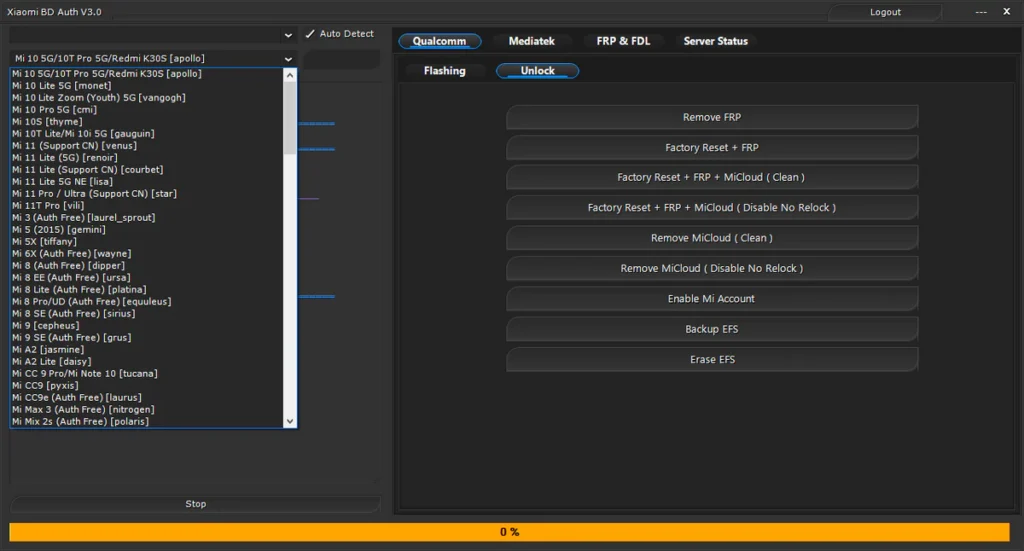
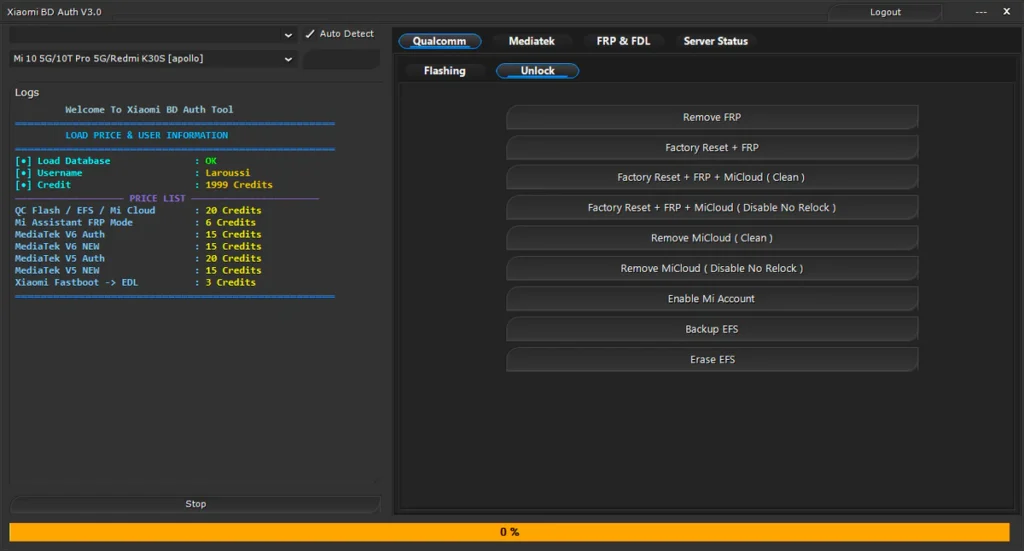
Unlock Features:
- Remove FRP
- Factory Reset + FRP
- Factory Reset + FRP + MiCloud (Clean)
- Factory Reset + FRP + MiCloud (Disable No Relock)
- Remove MiCloud (Clean)
- Remove MiCloud (Disable No Relock)
- Enable Mi Account
- Reset Mi Account + FRP
- Disable Mi Account + Factory Reset + FRP
- Erase NV
- Erase EFS
- Backup EFS
Flashing Features:
- Load firmware, patch, or firehose
- Read GPT
- Write flash
- Backup partition
- Erase partition
- Reboot device
- Select storage type (eMMC)
- Skip or backup protected partitions
Mediatek Options:
- Select DA (MTK_All_In_One_DA)
- Bypass auth
- USB high speed mode
- Manual auth
- Force BROM
- Repartition
- Auto reboot
- Auto factory reset
- Show hidden files
- Xiaomi new security support
ENG Preloader:
ENG Preloader option is used for deep repair work. It helps in special cases where normal flashing fails.
- Write ENG Preloader
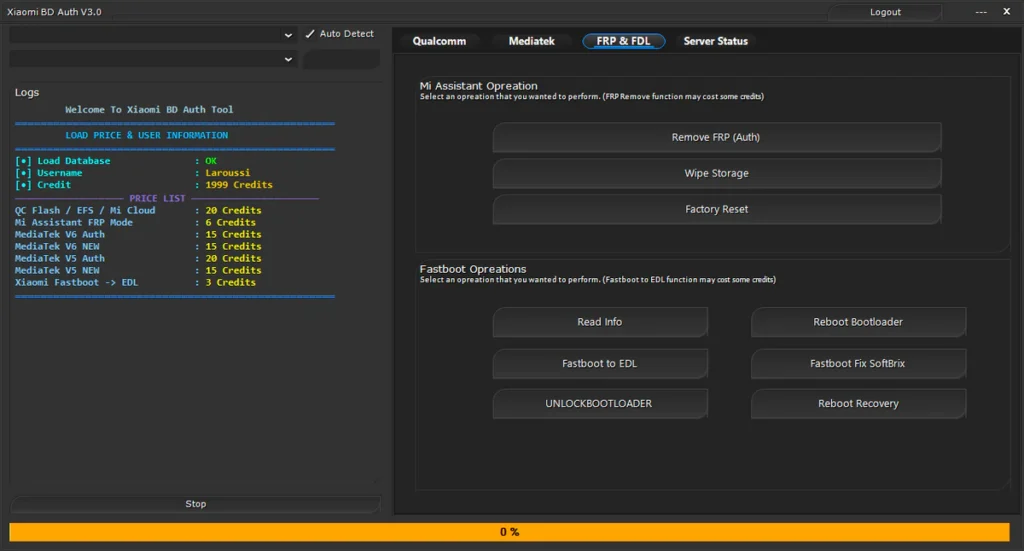
Mi Assistant Operations:
- Remove FRP (Auth)
- Wipe storage
- Factory reset
Fastboot Operations:
- Read device info
- Reboot to bootloader
- Fastboot to EDL
- Fix soft brick
- Unlock bootloader
- Reboot to recovery
Server & ADB Options:
- Server status tab
- Manual auth option
- Start or stop ADB server
- Auto detect device
- PL server checkbox
| File Info | Details |
|---|---|
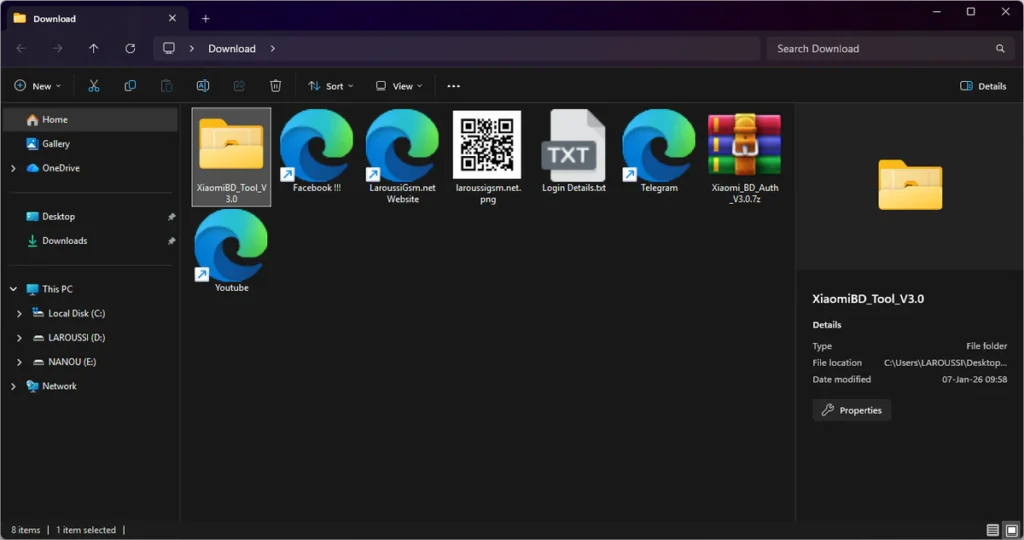
| ✏️ File Name : | Xiaomi_BD_Auth_V3.0.7z |
| ⚙️ Version : | V3.0 (2026 Update) |
| 📁 File size : | 19.9 MB (ِExtracted Size : 101 MB) |
| 🔓 Password RAR : | laroussigsm.net |
| 🚀 Download Link : | 𝗨𝗣𝗟𝗢𝗔𝗗𝗥𝗔𝗥 | 𝗨𝗣𝗟𝗢𝗔𝗗𝟰𝗘𝗩𝗘𝗥 | 𝗠𝗘𝗚𝗔𝟰𝗨𝗣 | 𝗙𝗥𝗘𝗘𝗗𝗟𝗜𝗡𝗞 |
🎁 Login Details:
Username: Any Username
Password: Any Password
HOW TO USE ?
- First, you need to download the zip file from the below link.
- Next, you can unzip all files at c: drive (important).
- Ensure you have disabled the antivirus before running the installation.
- Next, open the folder and install the setup file with some basic instruction.
- Run the shortcut from the desktop “XiaomiBDAuthToolV3.0.exe”.
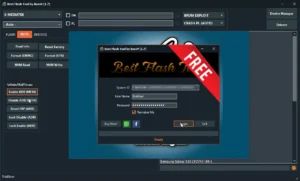
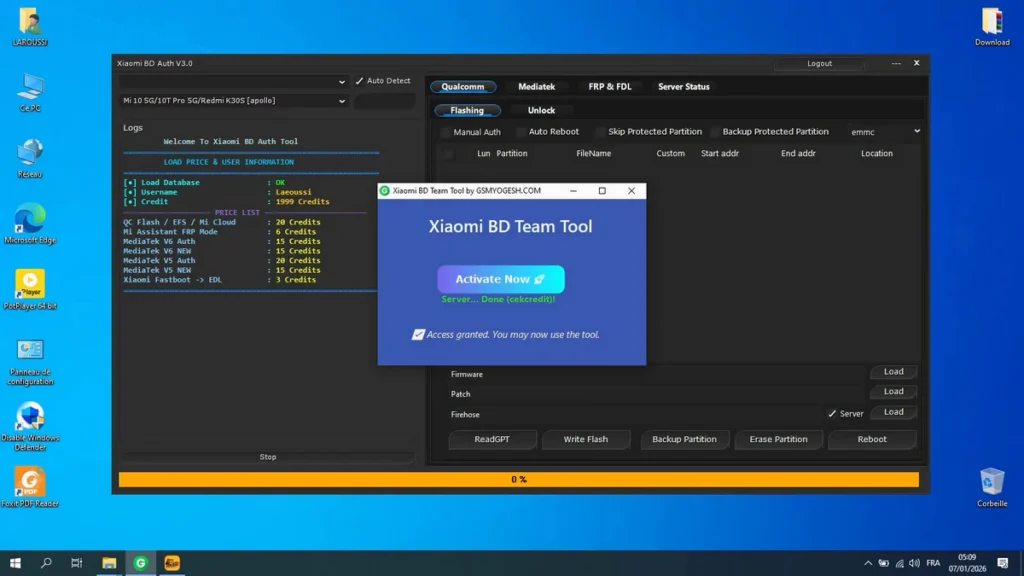
- A login window will pop up.
- When the login window opens: Enter any username, and any password.
- Simply click the Login button and wait for the tool to open.
- Next, you can install all drivers (included in the tool only need to one-click) if you already installed skip this step.
- Connect the phone and try to do any function.
- Enjoy !!!
Take a Backup: If you are willing to try the above tool, then please take a backup of your personal data from your Android Smartphone or Tablet. As flashing any Firmware or recovery may brick the device.
Credits: The Tool is created and distributed by the developer. So, full credits go to the developer for sharing the tool for free.