Falcon Multi Tool V1 (Beta) With Free Login Added & Credit 2026 MediaTek Flashing, Support For V5 Scatter & V6 XML Firmware Files, & Format Data + FRP Auto SV5 / Server DA Modes
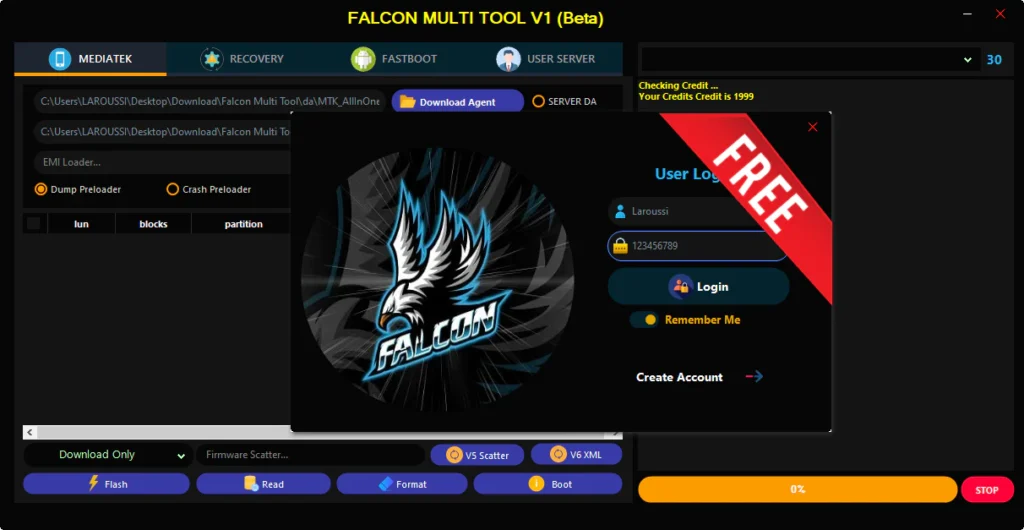
Falcon Multi Tool V1 (Beta) is a recently launched utility that is now available completely for free, it offers very basic functions like MediaTek flashing, V5/V6 scatter support, and Format Data + FRP that
Features Falcon Multi Tool V1 (Beta):
MediaTek Module:
File Management:
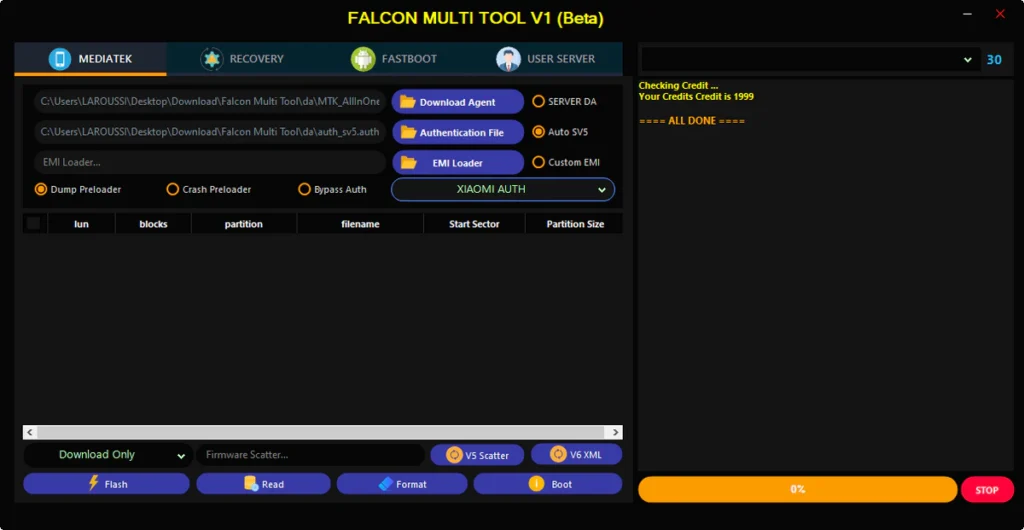
- Custom Download Agent (DA) selection
- Authentication File selection
- EMI Loader selection
- Support for V5 Scatter and V6 XML firmware files
Preloader Options:
- Dump Preloader
- Crash Preloader
Authentication:
- Bypass Auth
- Auto SV5 / Server DA modes
Core Functions:
- Flash Firmware
- Read
- Format
- Boot
- Partition table viewer (lun, blocks, partition, filename)
Recovery Module
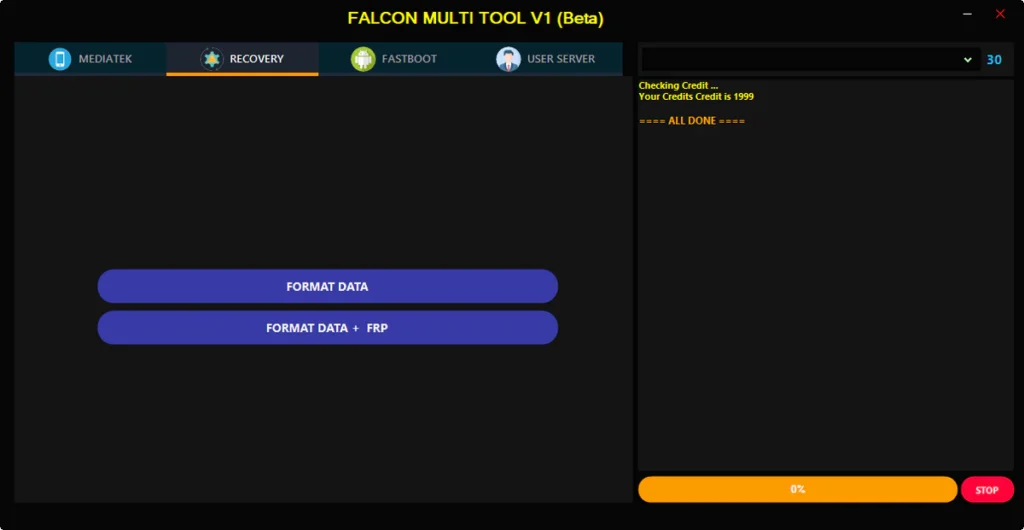
- Format Data
- Format Data + FRP
Fastboot Module
- Fastboot to EDL reboot
General UI
- User Server Login tab
- Real-time operation log/console
- Process progress bar
- Stop operation button
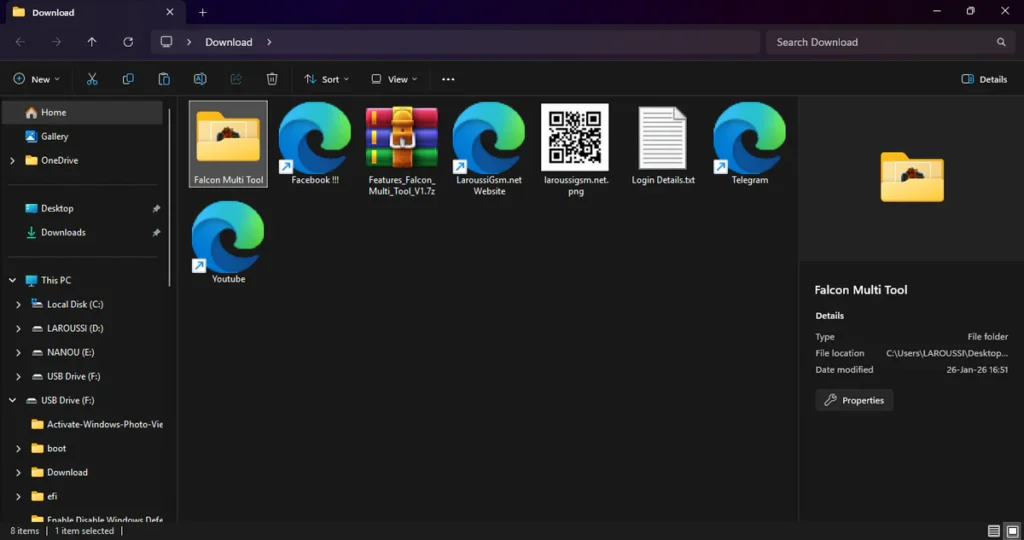
| File Info | Details |
|---|---|
| ✏️ File Name : | Features_Falcon_Multi_Tool_V1.7z |
| ⚙️ Version : | V1.0 (2026 Update) |
| 📁 File size : | 79.9 MB (ِExtracted Size : 101 MB) |
| 🔓 Password RAR : | laroussigsm.net |
| 🚀 Download Link : | 𝗨𝗣𝗟𝗢𝗔𝗗𝗥𝗔𝗥 | 𝗨𝗣𝗟𝗢𝗔𝗗𝟰𝗘𝗩𝗘𝗥 | 𝗠𝗘𝗚𝗔𝟰𝗨𝗣 | 𝗙𝗥𝗘𝗘𝗗𝗟𝗜𝗡𝗞 |
🎁 Login Details:
Username: Any Username
Password: Any Password
HOW TO USE ?
- First, you need to download the zip file from the below link.
- Next, you can unzip all files at c: drive (important).
- Ensure you have disabled the antivirus before running the installation.
- Next, open the folder and install the setup file with some basic instruction.
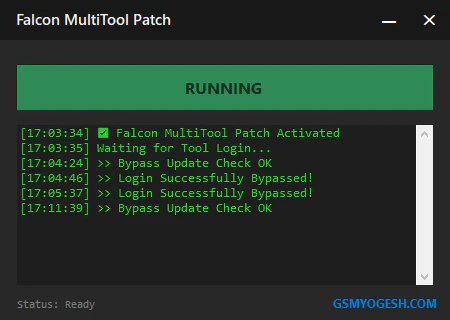
- Run the shortcut from the desktop “FALCON MULTI TOOL.exe”.
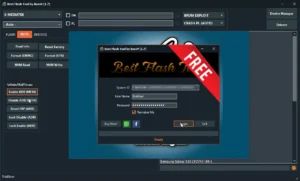
- A login window will pop up.
- When the login window opens: Enter any username, and any password.
- Simply click the Login button and wait for the tool to open.
- Next, you can install all drivers (included in the tool only need to one-click) if you already installed skip this step.
- Connect the phone and try to do any function.
- Enjoy !!!
Take a Backup: If you are willing to try the above tool, then please take a backup of your personal data from your Android Smartphone or Tablet. As flashing any Firmware or recovery may brick the device.
Credits: The Tool is created and distributed by the developer. So, full credits go to the developer for sharing the tool for free.