HALABTECH FRP Tool Samsung Android 16 Free Working 100% 2025 For 2024 & 2025 Security Patches On Samsung Android 16 Only

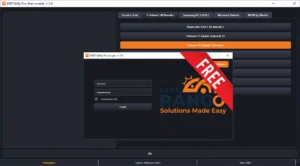
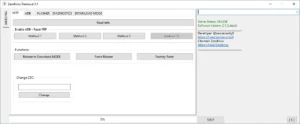
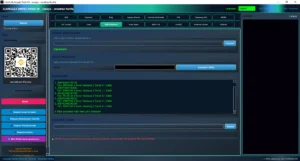
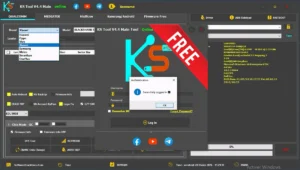
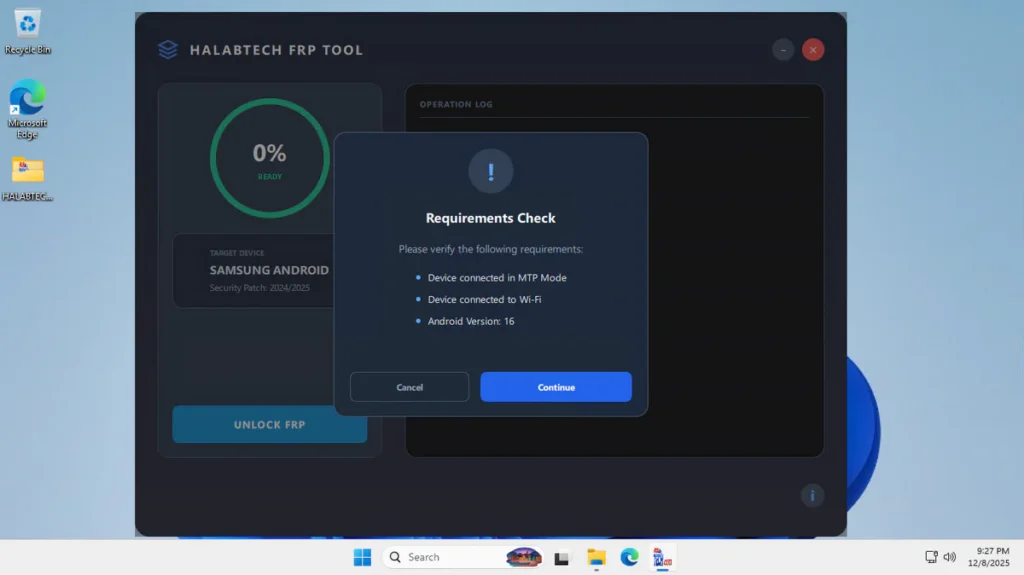
HALABTECH FRP Tool Samsung Android 16, is one of the simplest tools you can try. The interface is clean, there are no confusing options, and the tool focuses mainly on one job: FRP Unlock.
The tool supports Samsung devices running the 2024 and 2025 security patches on Samsung Android 16 only, which means it works on newer models where older FRP methods fail. for old models you can used the *#00# trick.
What This Tool Does:
HALABTECH FRP Tool is made for users who want a quick way to bypass Samsung FRP without complicated steps.
1. Auto Detection:
The tool shows 100% Ready when your Samsung device is properly connected.
There’s no manual port selection, no complex setup.
2. Supports Latest Security Patches:
It is designed for Samsung models with 2024 and 2025 security updates, which are tougher to unlock using old methods.
3. One-Click FRP Unlock:
There is only one main button: UNLOCK FRP.
Once your device is detected, you simply click the button and wait for the process to finish.
4. Clean Operation Log:
All actions appear in the log area on the right side.
You can see each step happening in real time, which helps you understand if the process was successful or not
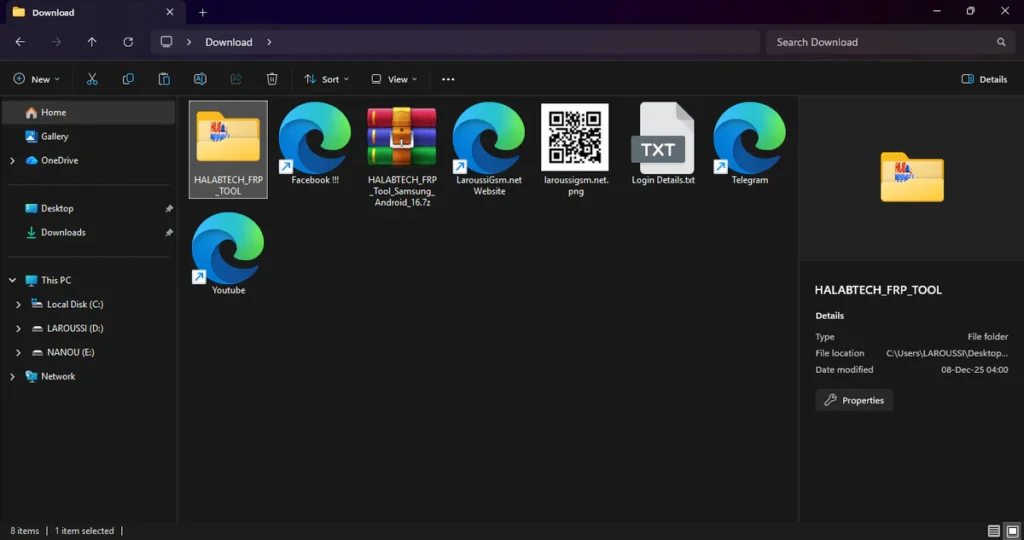
| File Info | Details |
|---|---|
| File Name : | HALABTECH_FRP_Tool_Samsung_Android_16.7z |
| Version : | V1.0.0.1 (Updated 2025) |
| File size : | 26.3 MB (ِExtracted Size : 56.9 MB) |
| Password RAR : | laroussigsm.net |
| Download Link : | 𝗨𝗣𝗟𝗢𝗔𝗗𝗥𝗔𝗥 | 𝗨𝗣𝗟𝗢𝗔𝗗𝟰𝗘𝗩𝗘𝗥 | 𝗠𝗘𝗚𝗔𝟰𝗨𝗣 | 𝗙𝗥𝗘𝗘𝗗𝗟𝗜𝗡𝗞 |
HOW TO USE ?
- First, you need to download the zip file from the below link.
- Next, you can unzip all files at c: drive (important)
- Ensure you have disabled the antivirus before running the installation
- Next, open the folder and install the setup file with some basic instruction
- Run the shortcut from the desktop “halabtech_frp.exe”.
- Install Samsung USB drivers
- Connect the phone while it is stuck on the FRP screen.
- Once detected, the tool will show 100% READY on the left side.
- Click the UNLOCK FRP button.
- Enjoy !!!

Take a Backup : If you are willing to try the above tool, then please take a backup of your personal data from your Android Smartphone or Tablet. As flashing any Firmware or recovery may brick the device.
Credits : The Tool is created and distributed by the developer. So, full credits go to the developer for sharing the tool for free.