SamFw Tool V5.2 – Update Samsung FRP Android 16, Battery Info, Charge Cycle OneUI 8+ Original Version Which Works 100% Without Any Risk FRP, MTP/Download/ADB Mode, Odin Flash
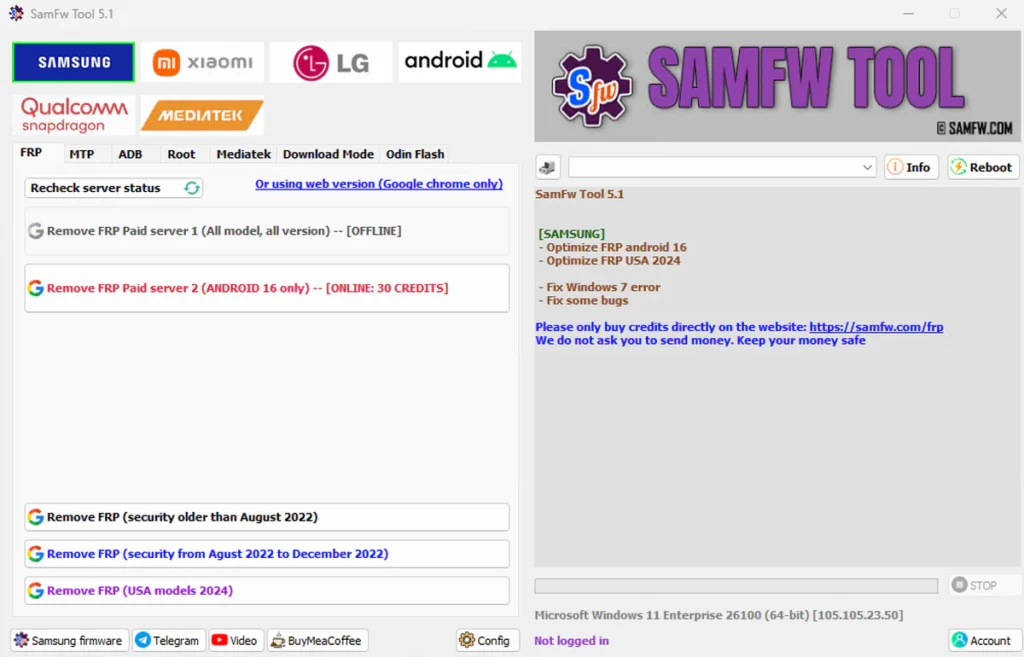
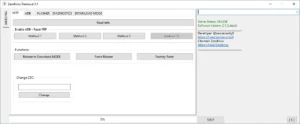
SamFw FRP Tool, It now works for Android 16 FRP. You can also check battery health on Samsung phones running OneUI 8. The problem with Windows 7 is fixed, and small bugs are gone. The tool works better and faster now.
Here the original link which works 100% without any risk of viruses, if you have downloaded it from another source please uninstall and download it from the below link.
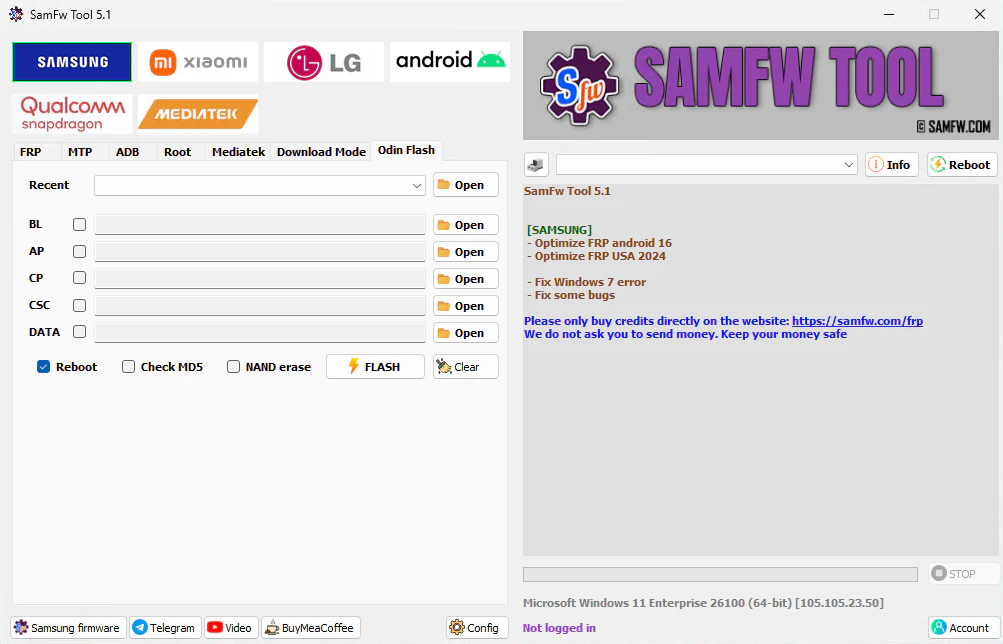
🔥 What’s new SamFw Tool 5.2:
📜 SamFw Tool – Changelog!
- Remove open website step after FRP remove
- Fix ADB connection check
- Add Read Info (MTP)
- Add Disable Knox
- Add Factory Reset (2 methods)
- Add MTP Open Browser
- Add ADB Remove FRP (2 methods)
- Add Reboot (MTP)
- Add FRP android 16 service
- [ADB] – Add read battery OneUI 8+, read batter cycle
- Fix Windows 7 error
- Fix some bugs
- Optimize FRP USA 2024
Main function:
- Remove FRP with one click
- Change CSC with one click
- Remove FRP for new security patch (Aug 2022)
- Remove FRP paid method
Remove FRP with one click:
- Connect the phone to the PC, and install the Samsung driver if you have not yet installed
- Go to emergency call then type *#0*#
- Click Remove FRP on the Tool
- Click Accept USB debugging on the phone if it appears
- The phone will finish and reboot after removing FRP
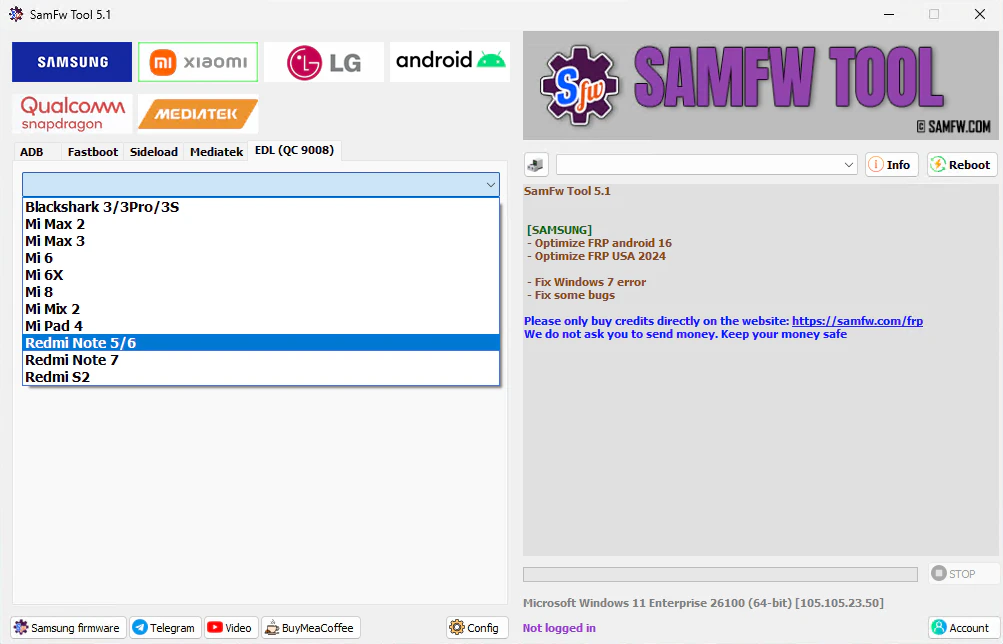
List of functions:
Samsung:
FRP
- Remove FRP
- Remove FRP new security
- Remove FRP 2024 (USA models)
- Remove FRP Android 16
MTP mode
- Factory reset (Test mode)
- Disable Knox (Test mode)
- Disable Factory mode
- KG Unlock (Untest)
ADB mode
- Change CSC
- Change SN (beta)
- Remove Samsung account (This function works to remove the account in Settings only, not supporting locked state)
- Enable Toggle mobile data (for some AT&T phone)
- Change CSC root mode
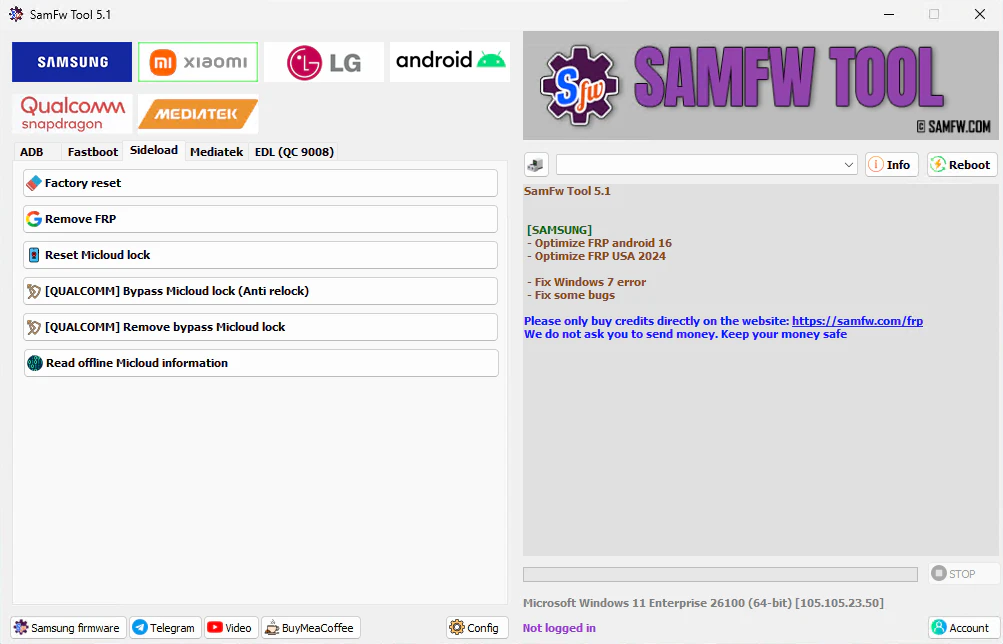
Download mode
- Exit Download mode
- Soft brick Fix
- FRP Android 5/6 (support some models. If you see an error when trying, that means your device is not supported)
Odin Flash
- Save recent flash files
- Auto-detect file and select slot
- Auto-extract for ZIP file
- Ignore MD5 checksum
Misc
- Check Driver signature enforcement status
- Disable/Enable Driver signature enforcement
- Install Samsung USB driver
- Install VC++ 2015 (for ADB works)
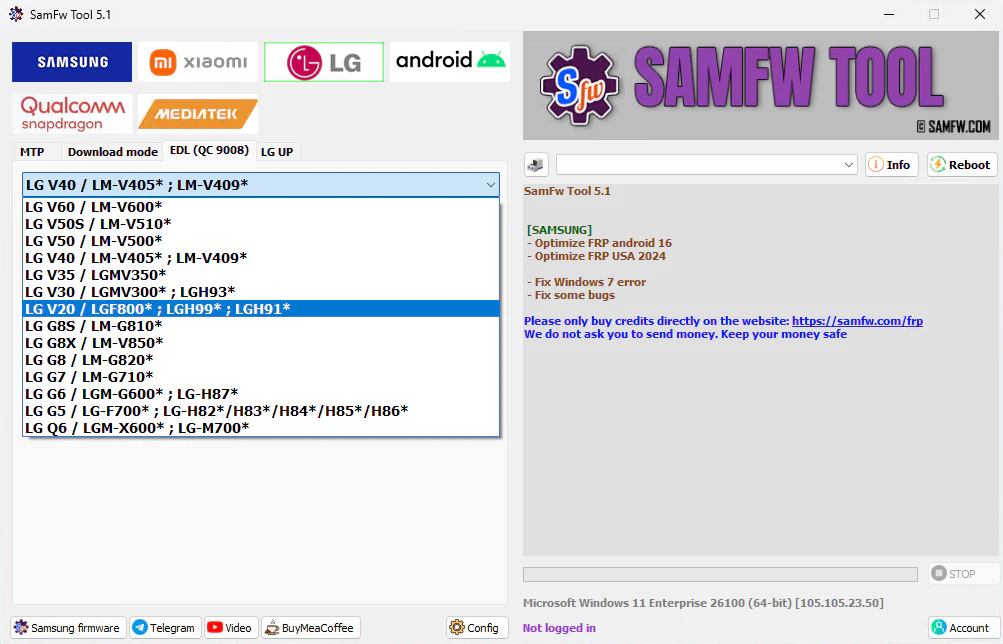
Xiaomi:
ADB
- Bypass Micloud Android 8.1
- Enable Diag [ROOT]
Fastboot
- [UNLOCKED] Remove FRP
Sideload
- Factory reset
- Remove FRP
- Reset Micloud
- [QUALCOMM] Bypass Micloud clock (Anti relock)
- [QUALCOMM] Remove bypass Micloud clock (Anti relock)
- Read offline Micloud information
EDL 9008
- Factory reset
- Reset FRP
- Reset Micloud
LG:
MTP
- Factory reset
EDL(Support LG G7, G8, G8X, G8S, V30, V40, V50, V50S, Q6, G5, G6, V20, V35, V60)
- Factory reset
- Remove FRP
LG UP
- Flash LG KDZ
Android:
ADB
- Battery information
- Disable/Enable OTA Update
- Set language
- Factory reset
- Hide Developer options
FRP
- Open Browser (FRP)
- Remove FRP
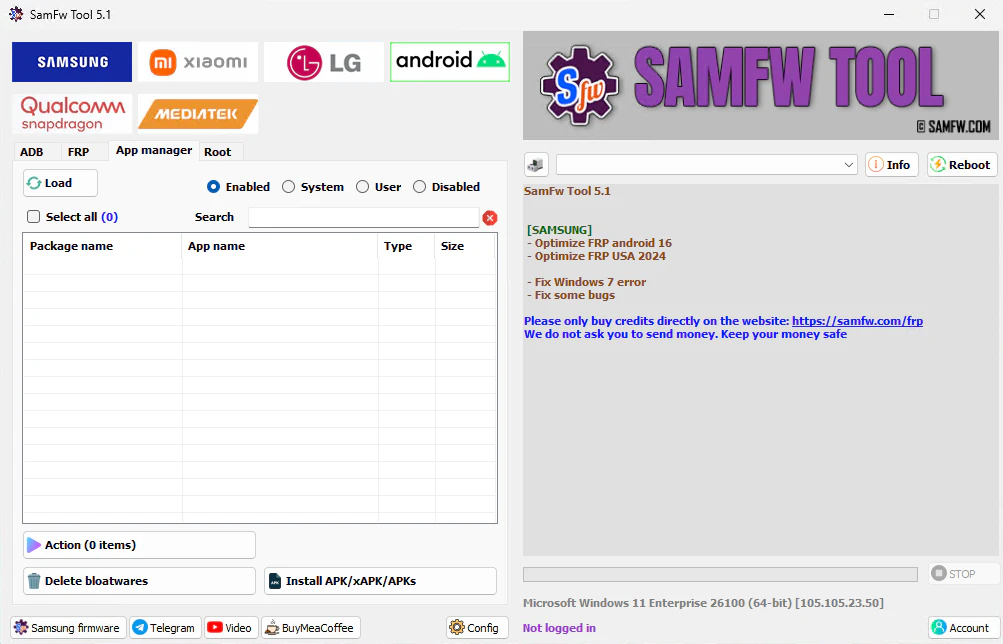
APP Manager
- Manager applications, remove, disable, enable, clear data single app, multi apps
- Install multi APK/xAPK
- Install any app on Dual Messenger
- Delete bloatware (For Korean, Japan, and US variants)
ROOT
- Remove screen lock (Root)
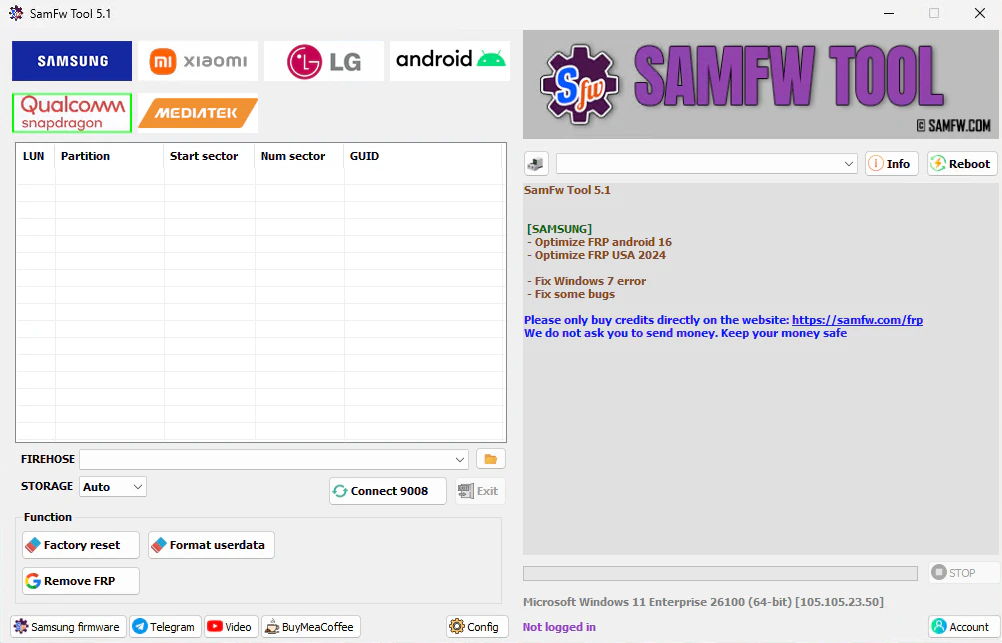
Qualcomm:
- EDL 9008 Partitions manager (Read/Write/Erase)
- EDL 9008 Reset FRP, Factory reset, Erase userdata
Mediatek:
- Factory reset
- Format user data
- Remove FRP
- Unlock bootloader
- Relock bootloader
- Bypass auth
| File Info | Details |
|---|---|
| ✏️ File Name : | SamFw_Tool_V5.2.7z (Updated) |
| ⚙️ Version : | V5.2 (Updated 2025) |
| 📁 File size : | 53.8 MB (ِExtracted Size : 120 MB) |
| 🔓 Password RAR : | laroussigsm.net |
| 🚀 Download Link : | 𝗨𝗣𝗟𝗢𝗔𝗗𝗥𝗔𝗥 | 𝗨𝗣𝗟𝗢𝗔𝗗𝟰𝗘𝗩𝗘𝗥 | 𝗠𝗘𝗚𝗔𝟰𝗨𝗣 | 𝗙𝗥𝗘𝗘𝗗𝗟𝗜𝗡𝗞 |
HOW TO USE ?
- First, you need to download the zip file from the below link.
- Next, you can unzip all files at c: drive (important)
- Ensure you have disabled the antivirus before running the installation
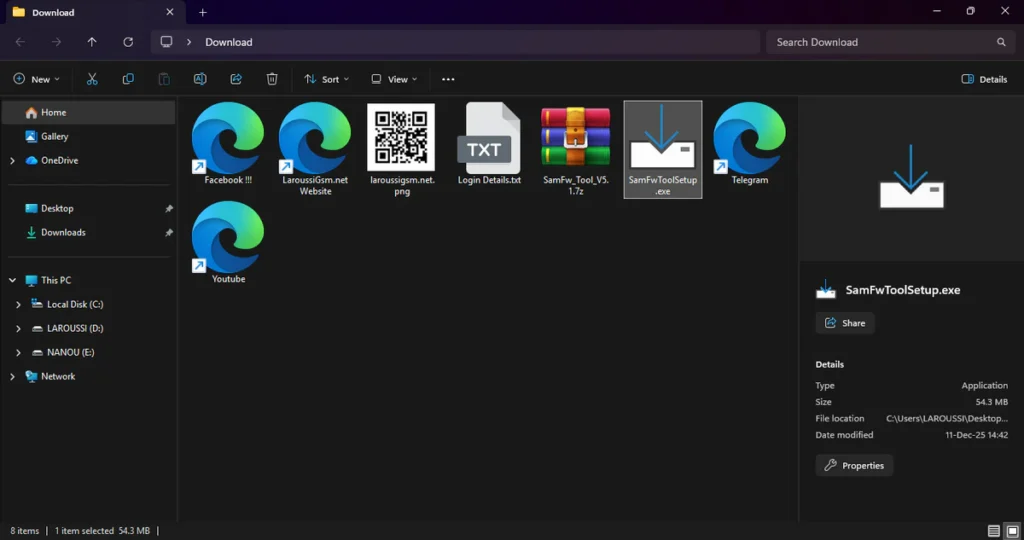
- Next, open the folder and install the setup file with some basic instruction
- Run the shortcut from the desktop “SamFwToolSetup.exe”.
- Next, you can install all drivers (included in the tool only need to one-click) if you already installed skip this step
- Connect the phone and try to do any function
- Enjoy !!!
Take a Backup : If you are willing to try the above tool, then please take a backup of your personal data from your Android Smartphone or Tablet. As flashing any Firmware or recovery may brick the device.
Credits : The Tool is created and distributed by the developer. So, full credits go to the developer for sharing the tool for free.