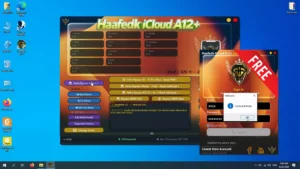
Haafedk iCloud A12+ V15 Latest Version (Free Login) Adds iOS 16 RAM Disk support For A12 & A13 devices Hello Bypass & MDM Block OTA Bypass, Disable Factory Reset Options
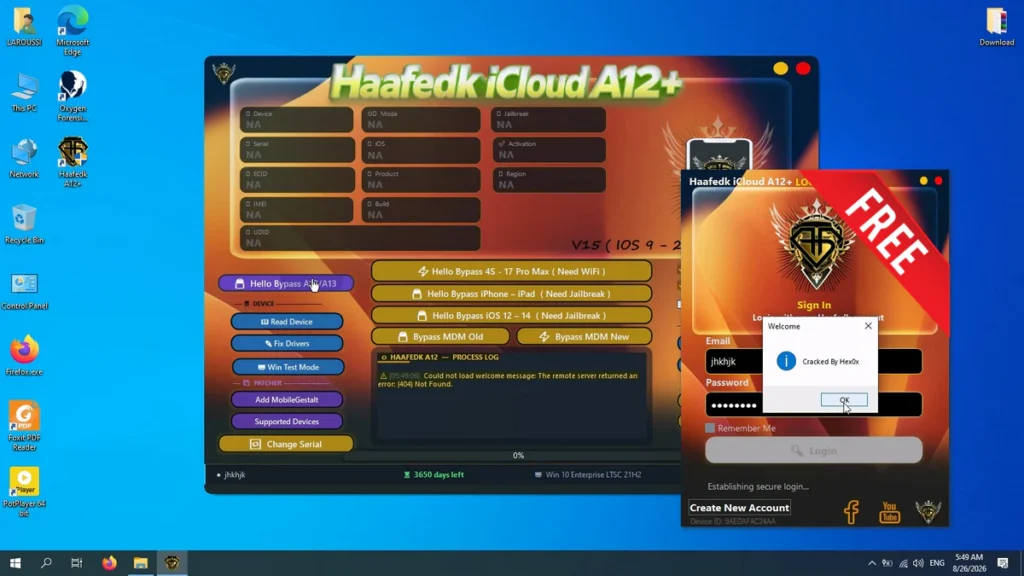
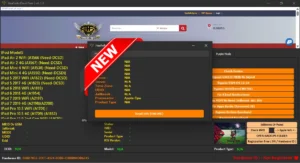
Haafedk iCloud A12+ V15, include automatic repair for passcode files and fixes for files that were tampered with by other tools. According to the provided changelog, Version 15 has been automatically released and is now available to everyone. Below, I have included the complete feature list available from the provided information, followed by the full V15 changelog and installation steps.
Full Features List:
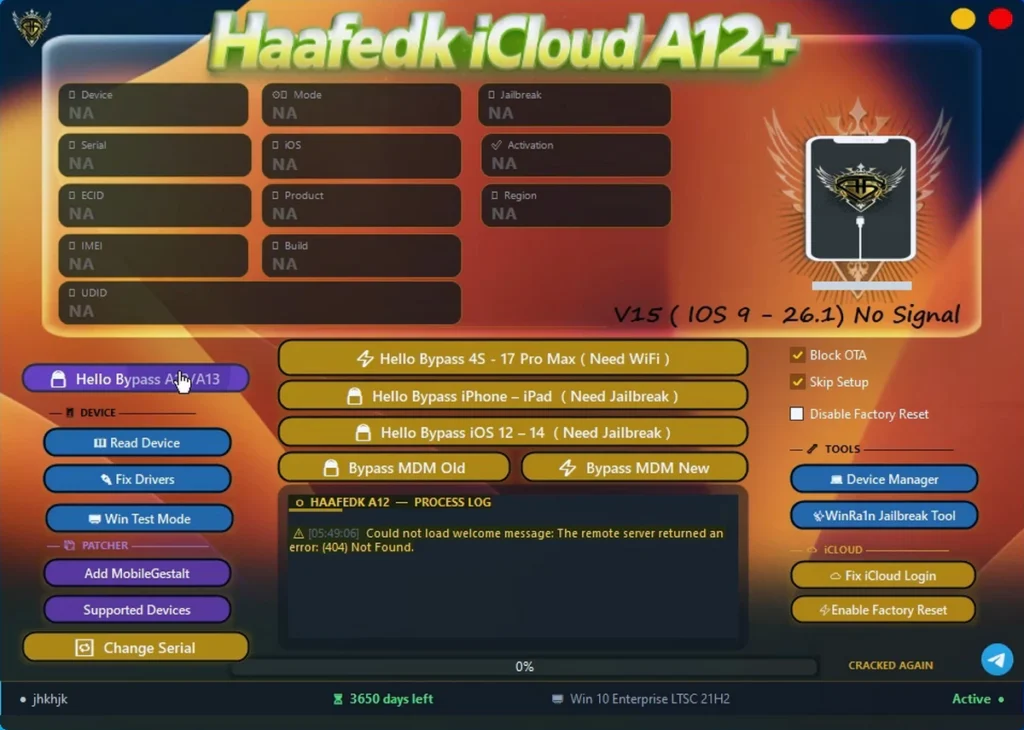
Device Information & Status:
- Read Device: Reads information from the connected device.
- Serial Number: Displays the device serial number.
- ECID: Shows the ECID information.
- IMEI: Displays the IMEI.
- UDID: Shows the UDID.
- Mode: Displays the current device mode.
- iOS Version: Shows the installed iOS version.
- Product Type: Displays the product type.
- Build: Shows the device build information.
- Jailbreak Status: Displays the jailbreak status.
- Activation Status: Shows the activation status.
- Region: Displays the device region.
Main Bypass Features:
- Hello Bypass A12/A13: Listed for A12 and A13 devices.
- Hello Bypass 4S – 17 Pro Max: Listed with a WiFi requirement.
- Hello Bypass iPhone – iPad: Listed with a jailbreak requirement.
- Hello Bypass iOS 12 – 14: Listed with a jailbreak requirement.
- Bypass MDM Old: Old MDM bypass option.
- Bypass MDM New: New MDM bypass option.
Device Operations:
- Read Device: Reads the connected device.
- Fix Drivers: An option related to fixing drivers.
- Win Test Mode: A Windows Test Mode option.
Patcher Settings:
- Add MobileGestalt: An option for adding MobileGestalt.
- Supported Devices: A section for supported devices.
- Change Serial: An option related to changing the serial.
Bypass Options / Toggles:
- Block OTA: An option related to blocking OTA.
- Skip Setup: An option for skipping setup.
- Disable Factory Reset: An option related to disabling factory reset.
Tools:
- Device Manager: The Device Manager tool.
- WinRa1n Jailbreak Tool: The listed WinRa1n Jailbreak Tool.
iCloud Tools:
- Fix iCloud Login: An option related to fixing iCloud login.
- Enable Factory Reset: An option for enabling factory reset.
What’s New!!
- iOS 16 RAM disk support: Added support for iOS 16 RAM disk on A12/A13 devices.
- Japanese device support: Added support for Japanese devices.
- Chinese device support: Added support for Chinese devices.
- Automatic passcode file repair: Added automatic repair for passcode files.
- Repair for modified files: Added fixes for files that were tampered with by other tools.
- Automatic guide adjustment: Added automatic adjustment of the guide.
- General fixes: The update includes general fixes.
- Performance stability: Improvements were made for better performance stability.
| File Info | Details |
|---|---|
| File Name : | UnlockTool-2026-07-30-0.7z |
| Version : | V2026-07-30-0 (Updated 2026) |
| File size : | 232.4 MB (ِExtracted Size : 445 MB) |
| Password RAR : | LAROUSSIGSM.NET |
| Activation Files Only: | 𝗨𝗣𝗟𝗢𝗔𝗗𝗥𝗔𝗥 | 𝗨𝗣𝗟𝗢𝗔𝗗𝟰𝗘𝗩𝗘𝗥 | 𝗠𝗘𝗚𝗔𝟰𝗨𝗣 | 𝗙𝗥𝗘𝗘𝗗𝗟𝗜𝗡𝗞 |
HOW TO USE ?
- First, you need to download the zip file from the below link.
- Next, you can unzip all files at c: drive (important).
- Ensure you have disabled the antivirus before running the installation.
- Next, open the folder and install the setup file with some basic instruction.
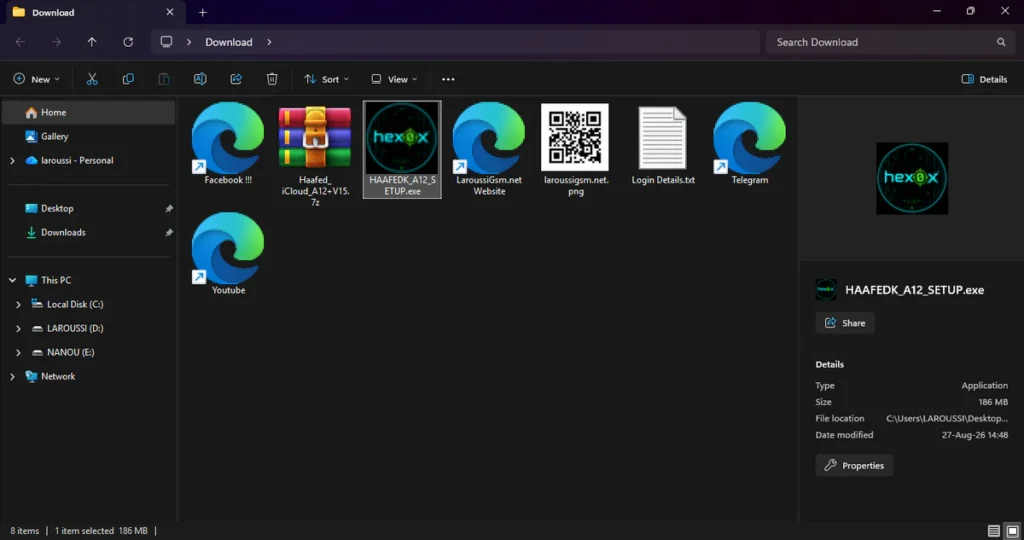
- Run the HAAFEDK_A12_SETUP.exe as Administrator.
- If Windows Defender SmartScreen prevents the application from opening, click More info.
- After that, select Run anyway to continue.
- Click Install and wait for the installation process to complete.
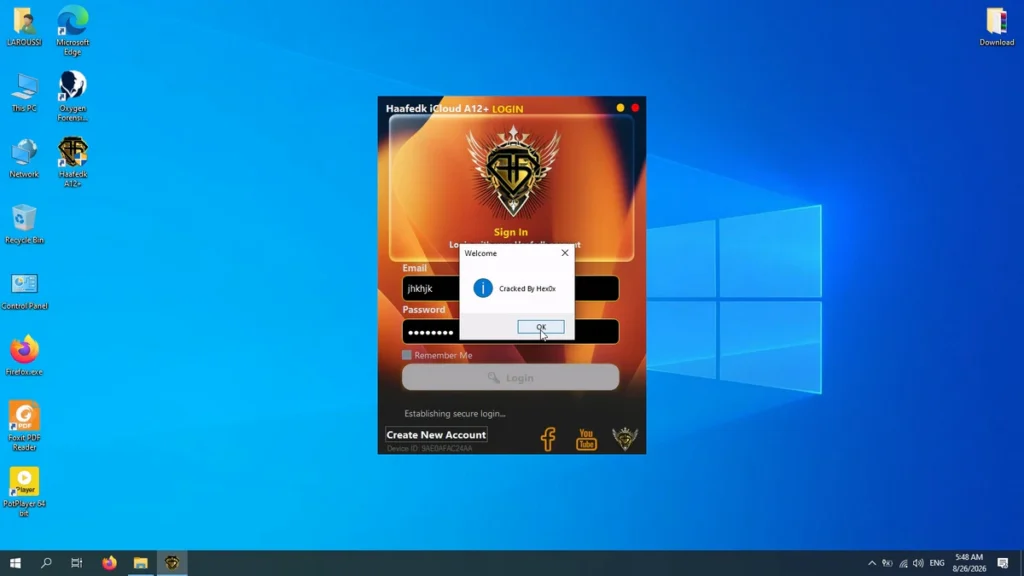
- Run the main application, listed in the provided instructions as Haafedk A12.exe.
- When the login prompt appears, the provided instructions mention clicking the cracked login button to bypass the credentials and access the main dashboard.
- Enjoy !!!
Take a Backup: If you are willing to try the above tool, then please take a backup of your personal data from your Android Smartphone or Tablet. As flashing any Firmware or recovery may brick the device.
Credits: The Tool is created and distributed by the developer. So, full credits go to the developer for sharing the tool for free.