KRDT Utility Pro – Main Module v1.5.0 Free No Need Login MDM Lock, Fixing IT Admin Issues, Network Unlock, & Device Patching, New Samsung KG Unlock, Android 14 & 15 Support
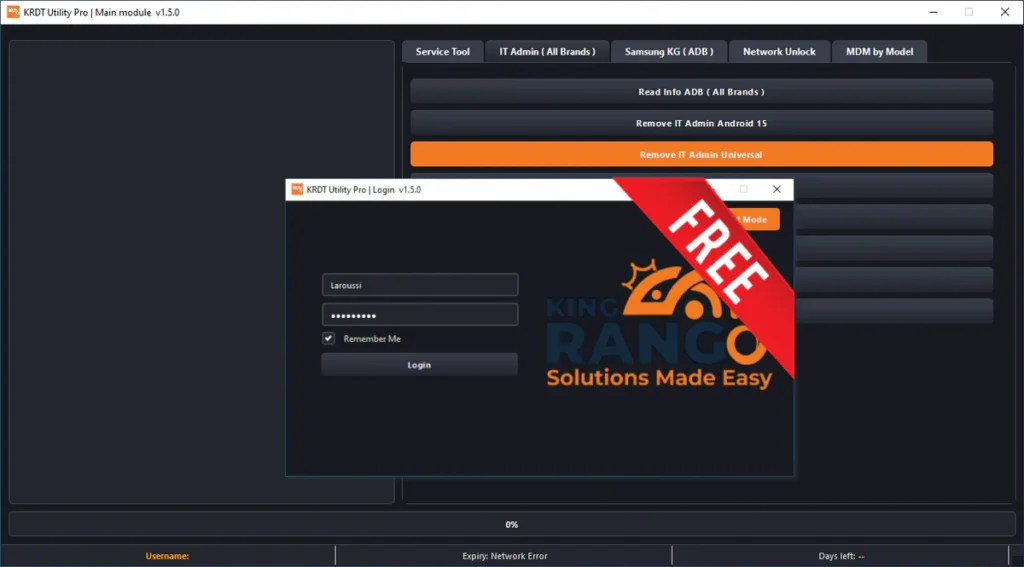
KRDT Utility Pro, Professional-grade tools for unlocking devices, bypassing MDM restrictions, and removing security protocols. Support for Infinix, Tecno, Itel and more.
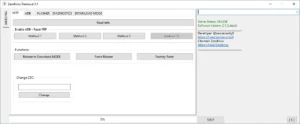
This tool helps in tasks like removing MDM lock, fixing IT Admin issues, unlocking network, and handling Samsung KG problems.
The best thing is that everything is placed in one simple panel, so you don’t need many tools.
What is KRDT Utility Pro?
KRDT Utility Pro is a service tool used for Android phones.
It works with many brands like Samsung, Xiaomi, Tecno, Infinix, Itel, Vivo, and more.
This tool is mostly used for:
- Removing MDM lock
- Fixing IT Admin issues
- Samsung KG unlock
- Network unlock
- Device patching
- OTA enable or disable
- Factory protection fixes
What’s New in Version 1.5.0??
- New Samsung KG methods added
- Android 14 and 15 support
- Improved IT Admin removal
- New MDM patch methods
- Super Device Patch option
- Better stability
- Clean and easy interface
Main Features:
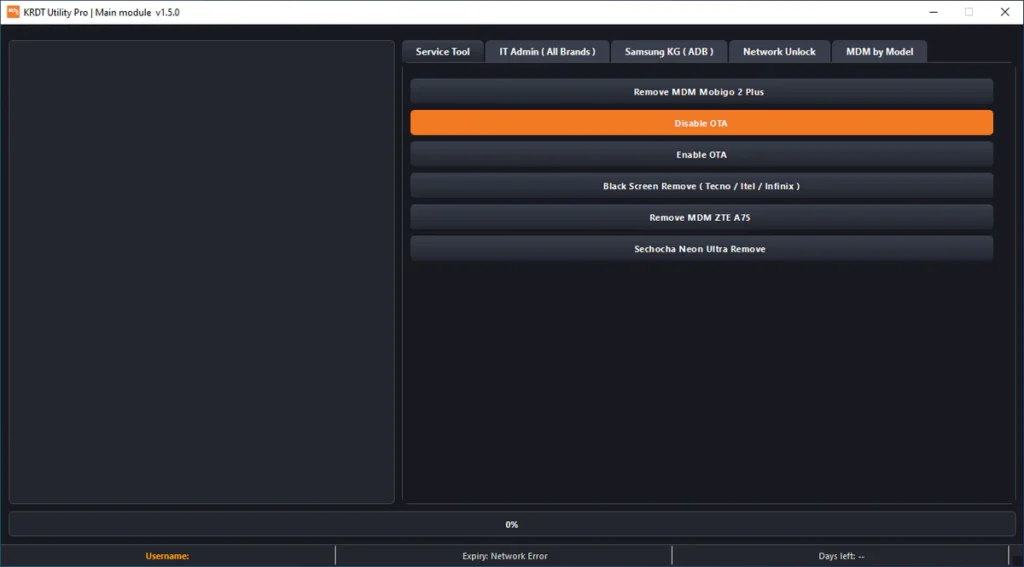
Service Tool:
- Remove MDM from devices
- Enable or disable OTA
- Fix black screen issues
- Remove MDM from ZTE and Tecno phones
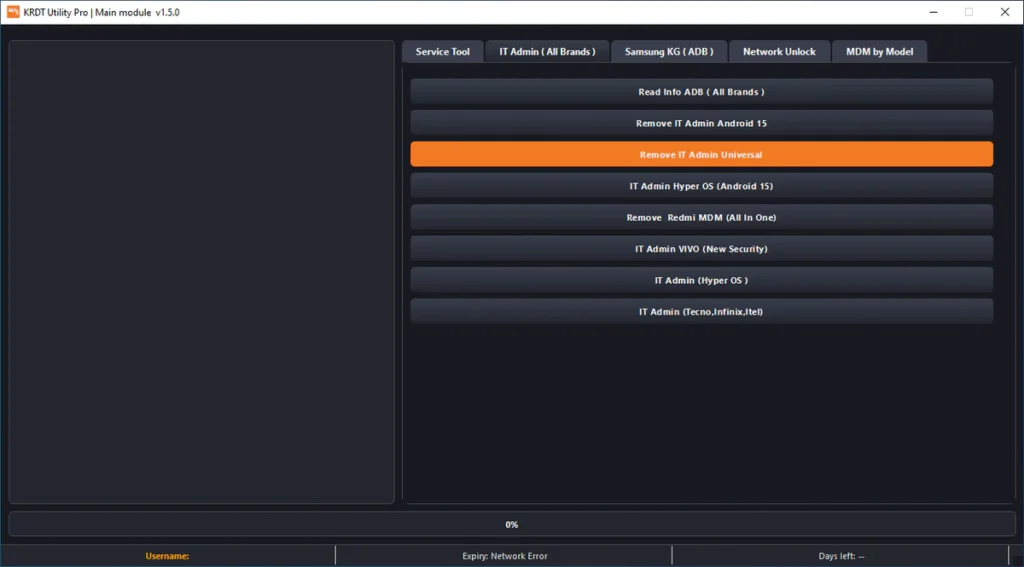
IT Admin (All Brands):
- Read device info
- Remove IT Admin Android 15
- Remove IT Admin Universal
- IT Admin for Vivo, Tecno, Infinix
- Redmi IT Admin removal
Samsung KG (ADB):
- Android 13 KG fix
- Android 14 KG new methods
- KG status check
- Samsung KG Manager
- New patch methods
Network Unlock:
- Google Pixel SIM unlock
- Android 9 to Android 15 support
- USB unlock option
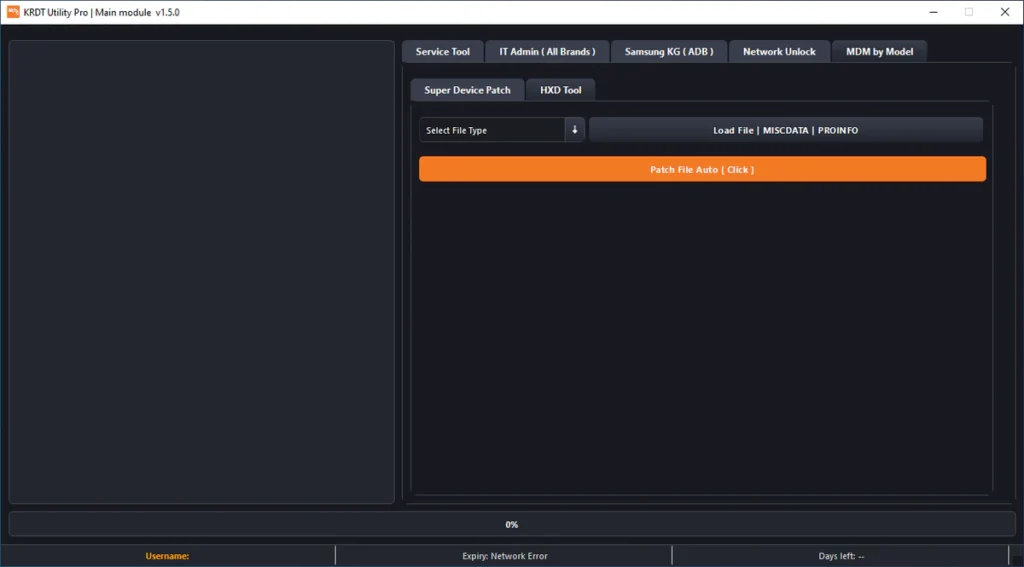
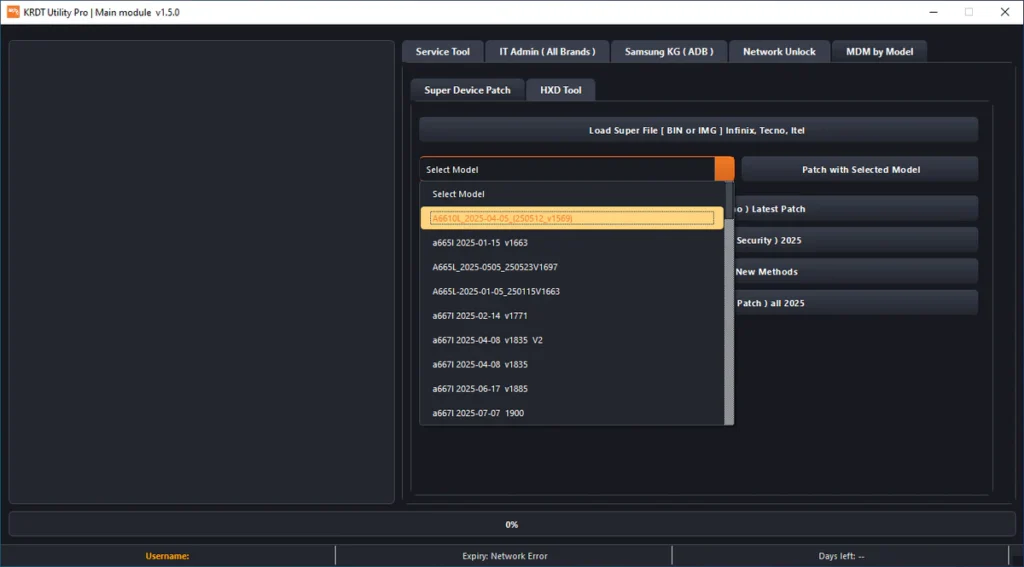
MDM by Model:
- Load Super files
- Patch using model name
- Remove MDM (Infinix, Tecno, Itel)
- Disable factory reset protection
- Use auto patch system
Benefits of KRDT Utility Pro:
- Easy to use
- Clean interface
- Works on new Android versions
- Saves time
- Supports many brands
- All tools in one place
- Good for technicians
| File Info | Details |
|---|---|
| ✏️ File Name : | KRDT_Utility_Pro_Main_Module_V1.5.0.7z |
| ⚙️ Version : | V1.5.0 (2025 Update) |
| 📁 File size : | 60.7 MB (ِExtracted Size : 251 MB) |
| 🔓 Password RAR : | laroussigsm.net |
| 🚀 Download Link : | 𝗨𝗣𝗟𝗢𝗔𝗗𝗥𝗔𝗥 | 𝗨𝗣𝗟𝗢𝗔𝗗𝟰𝗘𝗩𝗘𝗥 | 𝗠𝗘𝗚𝗔𝟰𝗨𝗣 | 𝗙𝗥𝗘𝗘𝗗𝗟𝗜𝗡𝗞 |
🎁 Login Details:
Username: Any Username
Password: Any Password
HOW TO USE ?
- First, you need to download the zip file from the below link.
- Next, you can unzip all files at c: drive (important).
- Ensure you have disabled the antivirus before running the installation.
- Next, open the folder and install the setup file with some basic instruction.
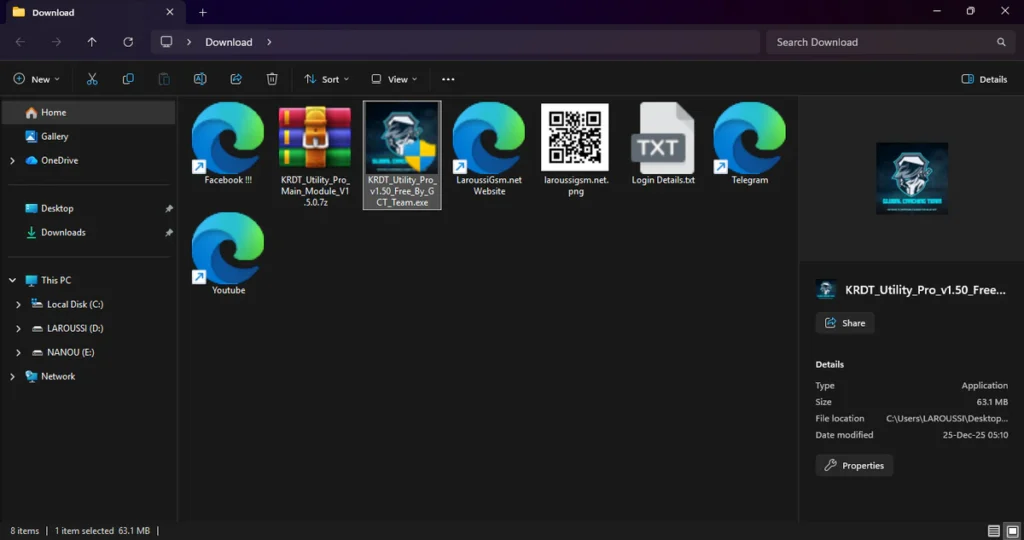
- Run the shortcut from the desktop “KRDT_Utility_Pro_v1.50_Free_By_GCT_Team.exe”.
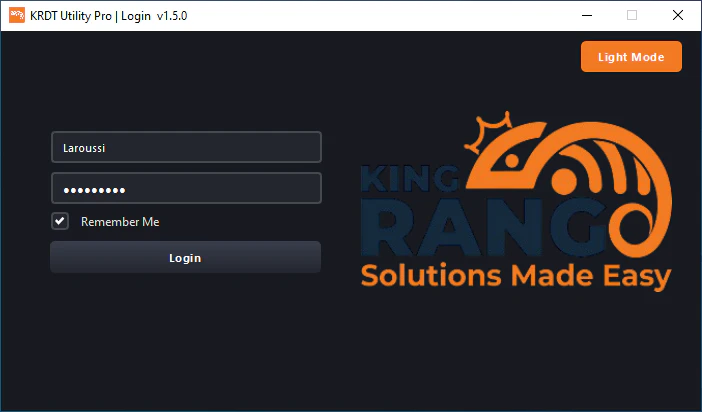
- A login window will pop up.
- When the login window opens: Enter any username, and any password.
- Simply click the Login button and wait for the tool to open.
- Next, you can install all drivers (included in the tool only need to one-click) if you already installed skip this step.
- Connect the phone and try to do any function.
- Enjoy !!!
Take a Backup: If you are willing to try the above tool, then please take a backup of your personal data from your Android Smartphone or Tablet. As flashing any Firmware or recovery may brick the device.
Credits: The Tool is created and distributed by the developer. So, full credits go to the developer for sharing the tool for free.