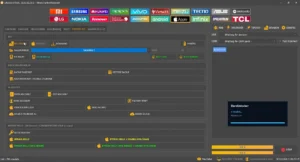
ROM2Box V3.8 Free Qlm mtk Tool/Qcom, mtk client, adb, fastboot Tool Support QCOM, Mediatek & spreadtrum smartphones from Oppo, Vivo, Xiaomi & Realme
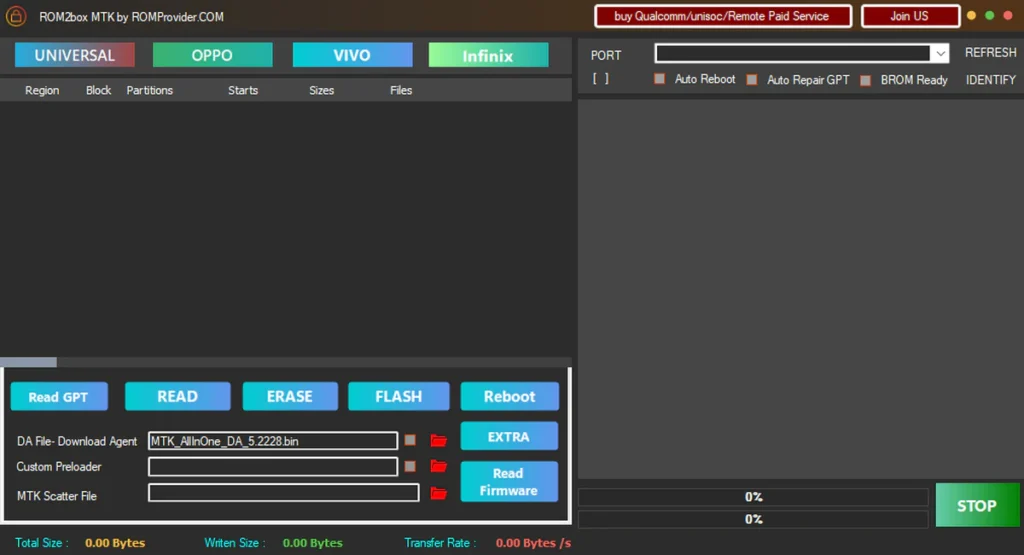
ROM2Box ,is a smartphone repairing software created by “ROMProvider.COM“, by using this tool You can Repair many Smartphone for free without any Authentications. The tool Support QCOM, Mediatek & spreadtrum smartphones Including many Download Disabled Phones from Oppo, Vivo, Xiaomi and Realme.
Features :
- MTK Auth Bypass
- MTK FRP bypass
- MTK Pattern userlock bypass
- MTK Flash Single partition
- MTK full flash
- MTK Read Full Firmware & Partitions
- MTK Prepare Firmware for SP tool
- MTK unlock/Relock bootloader
Changelog V3.8 :
- removed redirects
- fix known bug
- fix preloader for vivo
- pgpt repair supported
- both qcom and mtk version added
- MTK Client edition not support scatter file
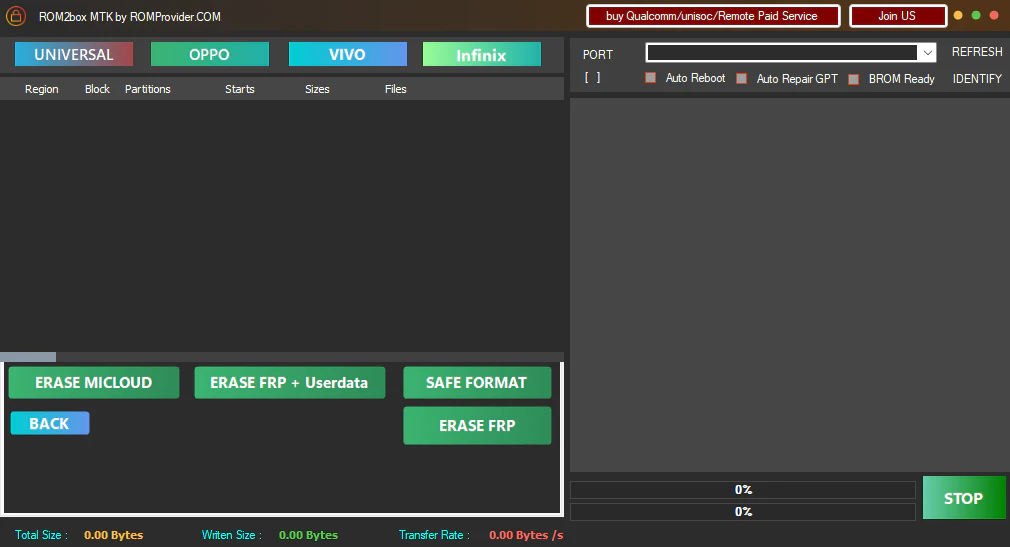
Note :
- Run Install.bat & type yes to replace old files
- must wipe userdata after flashing Mediatek firmware
- if any bootloop after flashing, Just write preloader (which is dumped on every MTK function)
- for Oppo/Realme flashing delete all partition from firmware folder Include Name ‘Oppo’
Credit :
- MTK Client from B.Kerler
- Platform tools from Google
- Android LIB from Regaw@XDA
- Spreadtrumn tools from unisoc
- SP Flash tools from Mediatek
- compile & GUI by ROMProvider.COM
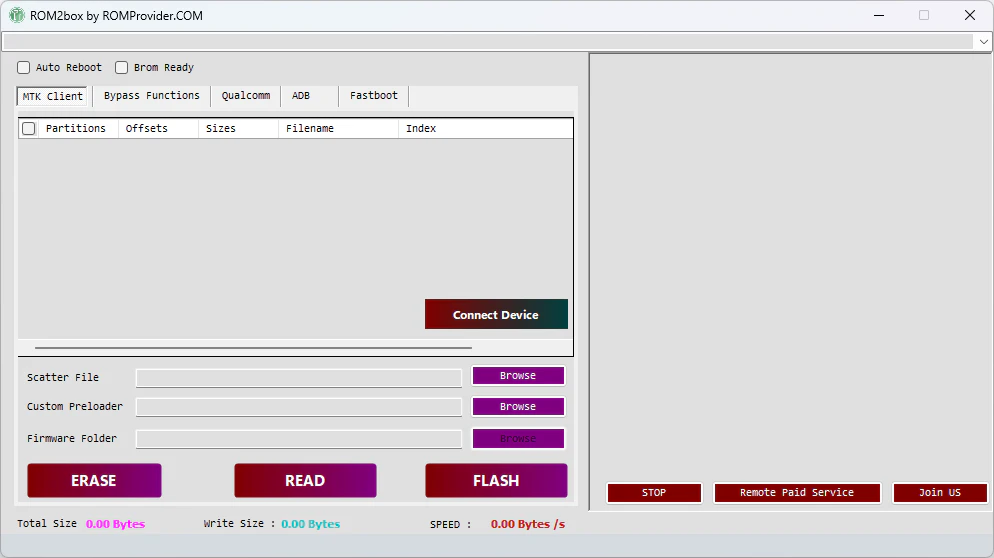
User guide :
Read MTK Firmware :
there are 2 options to Read Firmware, First flash.bin and other Partitions
Steps:
connect phone in VCOM/BROM Mod, Go to Mediatek/Firmware reader and Click desire button (flash.bin take huge time to read userdata partition, Partition option does not read userdata it will take just 15minut)
Steps:
Go to QCOM/Firmware Reader Select Firehose, Select USB COM and Click Read.
Note:
for UFS devices use send xml option instead displayed option in older section bcz it will not work on some devices, xml already included for newer Phone in New section. if don’t have a xml just read gpt and parse it.. & most important read qcn from qcom/other before doing anything
userdata partition will be skipped (it will take huge time so removed from reading script)
any partition contain number like keymaster1 can’t be readed ( you can manually read that type of partitions- Go to ROM2box/qcom edit parttable file and add all the partition that contain a number from parttablex file once done run read.exe for emmc and readu.exe for ufs (make sure you have read the full firmware via ROM2box before using this process)
MI Account bypass:
Go to Xiaomi select your device, connect phone to computer (short test point) wait for device detection once COM detected click bypass MI account/persist
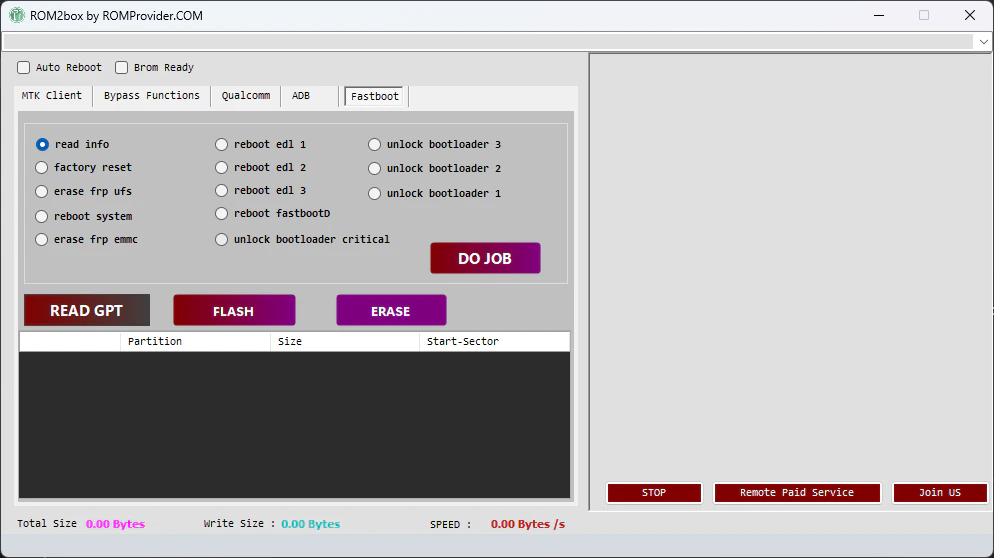
QCOM FRP bypass:
Go to QCOM select firehose, connect phone to computer (short test point) wait for device detection once COM detected click ‘bypass FRP’
QCOM Pattern bypass:
Go to QCOM select firehose, connect phone to computer (short test point) wait for device detection once COM detected click ‘Reset/userlock bypass’
Vivo Pattern bypass:
Go to Vivo select device, connect phone to computer (short test point) wait for device detection once COM detected click ‘Reset/userlock bypass’
Oppo Pattern bypass:
Go to Oppo select device, connect phone to computer (short test point) wait for device detection once COM detected click ‘Reset/userlock bypass’
MTK Disable Auth:
Go to Mediatek/main tab mark ‘disable auth‘ click ‘start‘ button
Mediatek unlock bootloader:
Go to Mediatek/service/bootloader unlock
Flash QCOM Firmware:
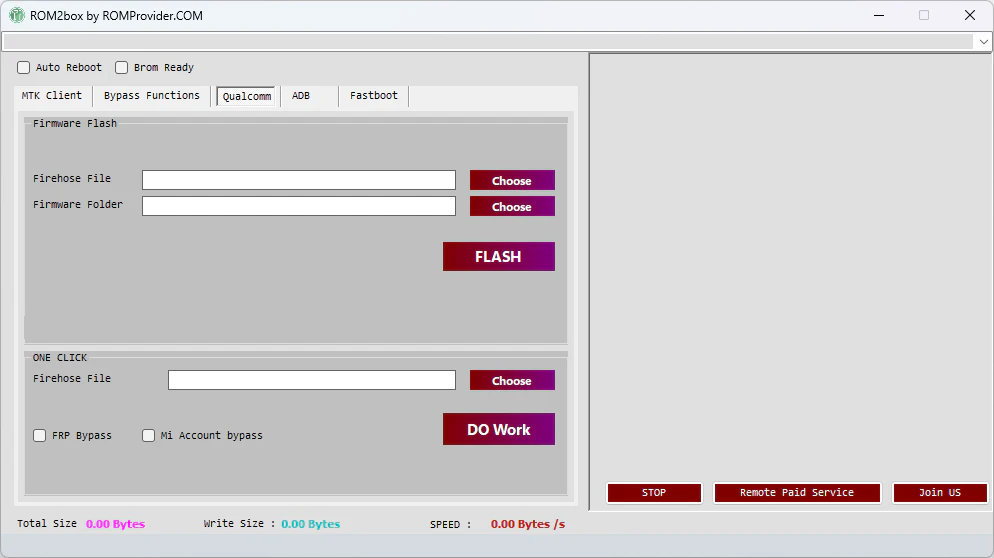
got to qcom/firmware flasher load xml & programmer file from firmware folder
connect phone in edl mod, once device detected click start button
Flash Mediatek Scatter Firmware:
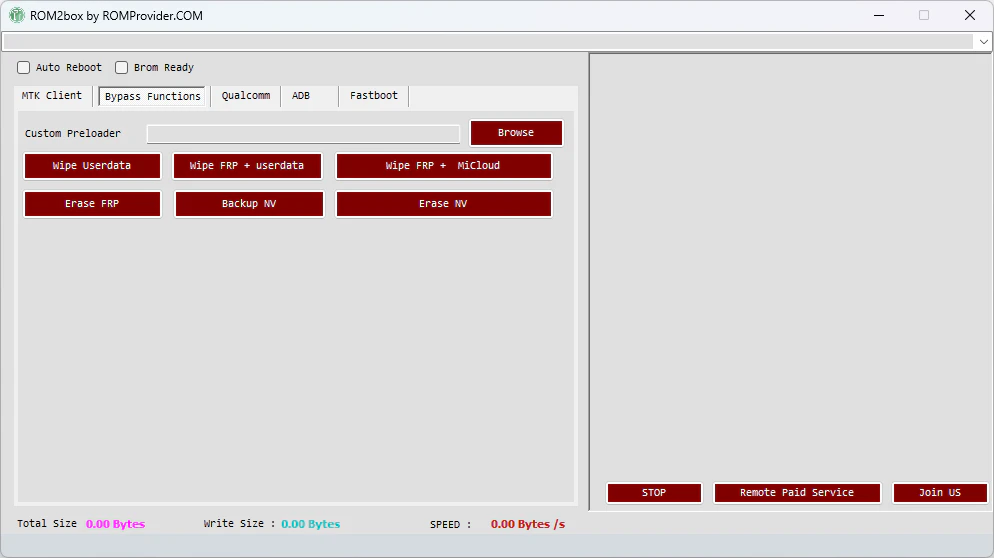
go to mediatek main tab and select disable auth follow instructions
then go to mediatek/sp-flash-tools tab load scatter file, load da file, load auth file and click ‘Download’ button Now connect phone to computer (Press volume up + volume – & insert usb cable)
Flash Scatter Firmware Via Fastboot:
extract firmware to main tool folder (must require) run rom2box.exe go to Mediatek/SP flash tools/ fastboot scatter flasher/ locate scatter file, connect phone in fastboot mod and click ‘START’ button, make sure bootloader is unlocked
tested only on ‘A ‘Only (single slot) device..
Vivo MTK:
BROM is disabled on on newer Vivo Phone, test point is require to detect the phone
Oppo MTK:
FRP, Read, Flash, unlock reset working
OnePlus QCOM:
unable to flash oneplus 10 pro, flashing works on Oneplus X, Nord N20 5G
Oppo QCOM
test Point require to detect Phone in EDL,
this Method works on many new Model: Go into the recovery (volume down + power button) connect to the PC and click several times on the text of the recovery version at the bottom of the screen
working: FRP, Reset, Read, Flash
Realme QCOM:
working: FRP, Reset, Read, Flash
Realme MTK
Working: FRP, Reset, Read, Flash
Xiaomi QCOM & MTK:
Read, Flash, unlock working on both qcom and MTK Phones
Other MTK :
support MT6580 & Newer CPU
| File Info | Details |
|---|---|
| File Name : | Multi_Unlock_Tool_18.04.2025.7z |
| Version : | V1.8 (19.04.2025 Update) |
| File size : | 38.2 MB (ِExtracted Size : 265 MB) |
| Password RAR : | laroussigsm.net |
| Download ROM2box-MTK.V3.8 : | 𝗨𝗣𝗟𝗢𝗔𝗗𝗥𝗔𝗥 | 𝗨𝗣𝗟𝗢𝗔𝗗𝟰𝗘𝗩𝗘𝗥 | 𝗠𝗘𝗚𝗔𝟰𝗨𝗣 | 𝗙𝗥𝗘𝗘𝗗𝗟𝗜𝗡𝗞 |
| Download mtk-qcom.V3.8 : | 𝗨𝗣𝗟𝗢𝗔𝗗𝗥𝗔𝗥 | 𝗨𝗣𝗟𝗢𝗔𝗗𝟰𝗘𝗩𝗘𝗥 | 𝗠𝗘𝗚𝗔𝟰𝗨𝗣 | 𝗙𝗥𝗘𝗘𝗗𝗟𝗜𝗡𝗞 |
HOW TO USE ?
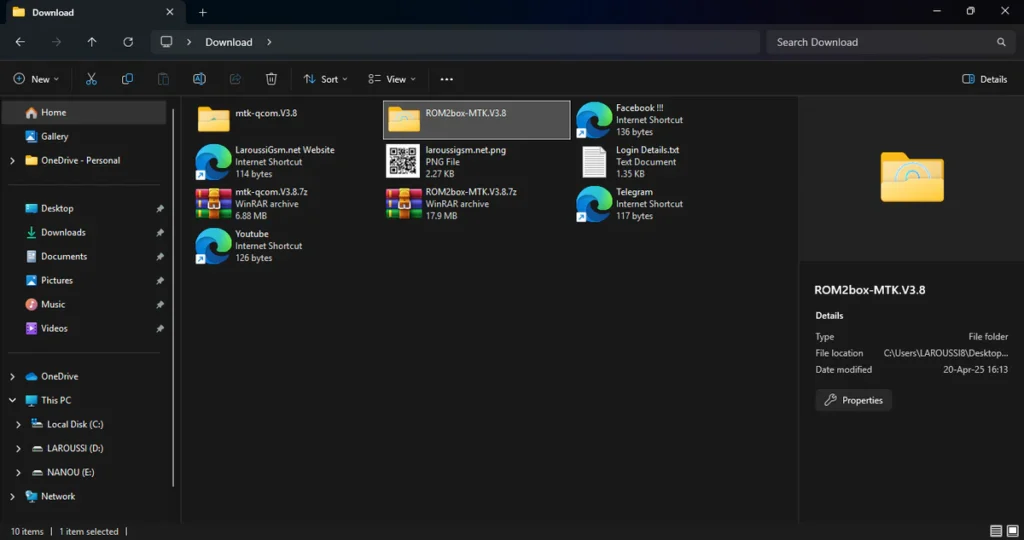
- First, you need to download the zip file from the below link.
- Next, you can unzip all files at c: drive (important).
- Ensure you have disabled the antivirus before running the installation.
- Next, open the folder and install the setup file with some basic instruction.
- Run the shortcut from the desktop “ROM2box.exe”
- Next, you can install all drivers (included in the tool only need to one-click) if you already installed skip this step.
- Connect the phone and try to do any function.
- Enjoy !!!
Take a Backup: If you are willing to try the above tool, then please take a backup of your personal data from your Android Smartphone or Tablet. As flashing any Firmware or recovery may brick the device.
Credits: The Tool is created and distributed by the developer. So, full credits go to the developer for sharing the tool for free.