TunaPro Tool V3.6.0 Latest Version A New Free Samsung Exynos FRP Self ADB Exynos Enabling Option Professional-Grade Software To Unlock, Bypass FRP, & Repair Devices. Fully Compatible With Xiaomi, Redmi, & Samsung
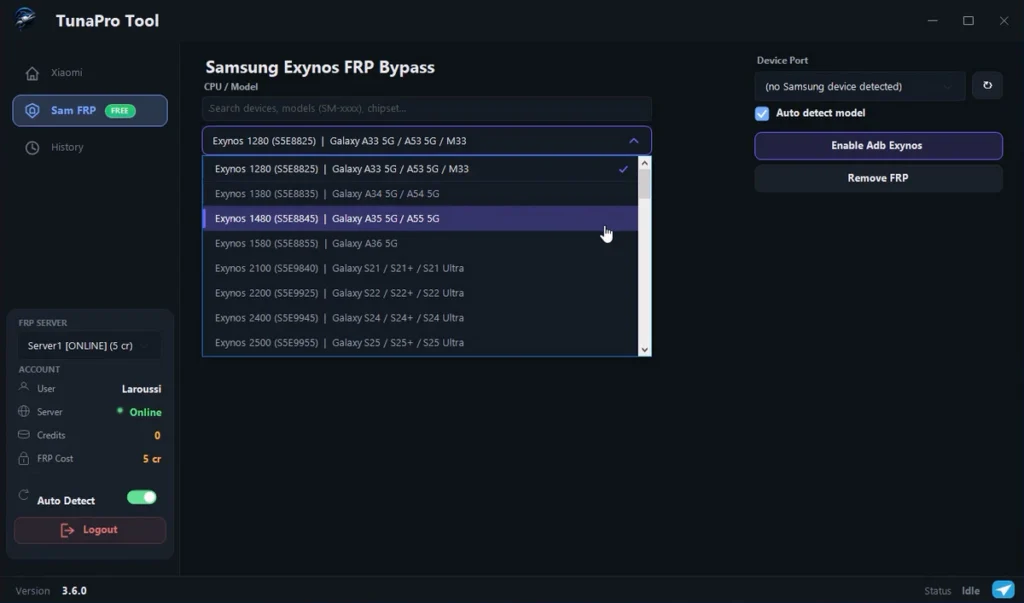
TunaProTool, Ultimate Solution for Android Repairing, Professional-grade software to unlock, bypass FRP, and repair devices. Fully compatible with Xiaomi, Redmi, and Samsung.
if you’re downloading this tool because of Samsung Exynos FRP, that’s the only part I can confirm from my own testing. If I manage to test the Xiaomi side later, I’ll add the results to this article.
Features:
Xiaomi FRP Remove:
Bypass Xiaomi ID and Google FRP verification instantly on Mi, Redmi, and POCO devices.
Screen Unlock:
Remove pattern, PIN, and password locks safely without losing data. Supports Android 10-15.
MTK Support:
Full support for MediaTek chipsets including Read, Write, Format, and Repair operations.
Auth Bypass:
Flash firmware without server authorization. No need for special paid accounts or server logs.
Factory Reset:
Perform deep resets to clear malware, remove user data, or prepare devices for new owners.
Cloud Server:
Switch between local and cloud server for maximum reliability. 99.9% uptime across all regions.
Functions Available:
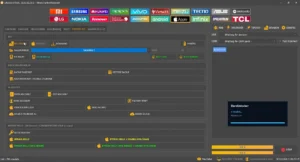
- Samsung Exynos FRP Bypass
- Enable ADB on Supported Exynos Devices
- Xiaomi Server FRP Removal
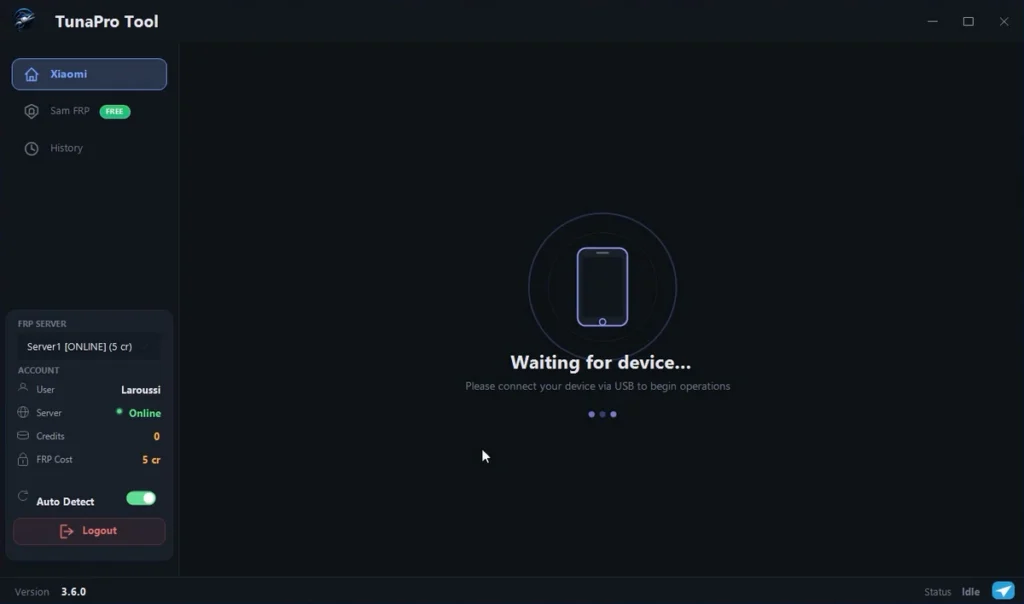
- Auto Device Detection
- Built-in ADB and Fastboot Files
- Simple Login System
- Chipset-Based Device Selection
Supported Samsung Exynos Models:
- Galaxy A33 5G
- Galaxy A53 5G
- Galaxy M33
- Galaxy A34 5G
- Galaxy A54 5G
- Galaxy A35 5G
- Galaxy A55 5G
- Galaxy A36 5G
- Galaxy S21 Series
- Galaxy S22 Series
- Galaxy S24 Series
- Galaxy S25 Series
- Galaxy J2 Pro
- Galaxy J3 2017
- Galaxy J5 2017
- Galaxy J7 2017
- Galaxy A5 2017
- Galaxy A7 2017
- Galaxy A10s
- Galaxy A20s
- Galaxy A30s
- Galaxy M12
- Galaxy A8 2018
- Galaxy A6+ 2018
- Galaxy J8
- Galaxy A20
- Galaxy A30
- Galaxy M20
- Galaxy A12
- Galaxy A04s
- Galaxy A13
- Galaxy S7
- Galaxy S7 Edge
- Galaxy Note FE
- Galaxy S8
- Galaxy S8+
- Galaxy Note 8
- Galaxy A50
- Galaxy M30s
- Galaxy M31
- Galaxy M21
- Galaxy A51
- Galaxy M31s
- Galaxy F41
- Galaxy A71 5G
- Galaxy S9
- Galaxy S9+
- Galaxy Note 9
- Galaxy S10
- Galaxy S10+
- Galaxy S10e
- Galaxy S20
- Galaxy S20+
- Galaxy S20 Ultra
- Galaxy Note20
- Generic Exynos Devices
| File Info | Details |
|---|---|
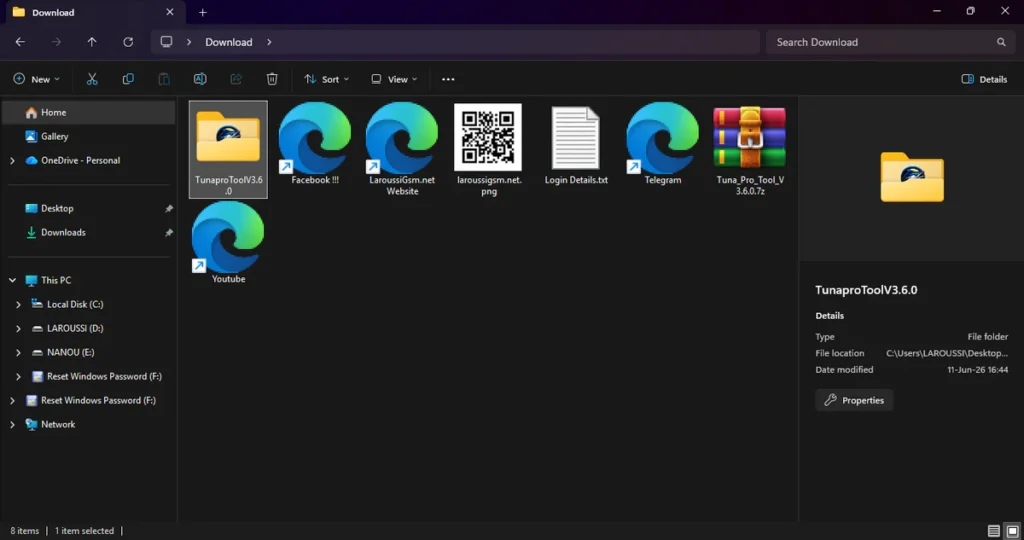
| File Name : | Tuna_Pro_Tool_V3.6.0.7z |
| Version : | V3.6.0.300 (Updated 2026) |
| File size : | 80.4 MB (ِExtracted Size : 145 MB) |
| Password RAR : | LAROUSSIGSM.NET |
| Activation Files Only: | 𝗨𝗣𝗟𝗢𝗔𝗗𝗥𝗔𝗥 | 𝗨𝗣𝗟𝗢𝗔𝗗𝟰𝗘𝗩𝗘𝗥 | 𝗠𝗘𝗚𝗔𝟰𝗨𝗣 | 𝗙𝗥𝗘𝗘𝗗𝗟𝗜𝗡𝗞 |
HOW TO ACTIVATE ?
- First, you need to download the zip file from the below link.
- Next, you can unzip all files at c: drive (important).
- Ensure you have “disabled the Antivirus” before running the installation.
- Next, open the folder and install the setup file with some basic instruction.
- Run the shortcut from the desktop “TunaProTool.exe”.
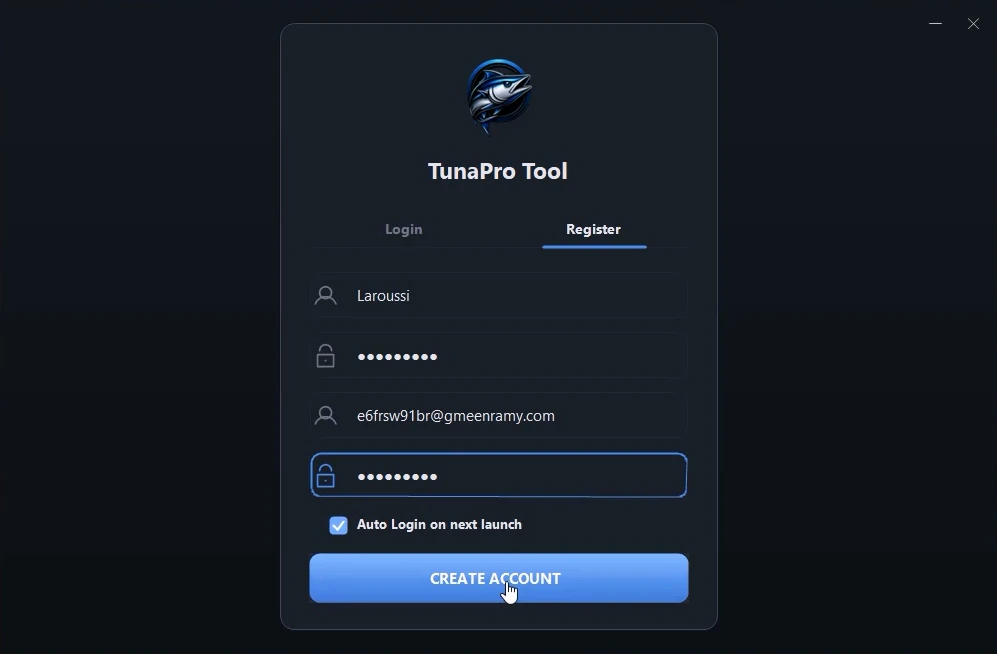
- If you are a new user, click Register and create a new account. Enter a username, email address, password, and password confirmation. No email verification or OTP is required. After filling in the details, click Create Account.
- Next, you can install all drivers (included in the tool only need to one-click) if you already installed skip this step.
- Connect the phone and try to do any function.
- Enjoy !!!
Take a Backup: If you are willing to try the above tool, then please take a backup of your personal data from your Android Smartphone or Tablet. As flashing any Firmware or recovery may brick the device.
Credits: The Tool is created and distributed by the developer. So, full credits go to the developer for sharing the tool for free.