UnlockTool-2026-07-30-0 Latest Version Free By RE_GURU No Login Required Supports Samsung Exynos Qualcomm, MediaTek, Unisoc (Spreadtrum), Samsung, Xiaomi, OPPO, Vivo, Huawei, Motorola, Apple & Many Other Brands (Tested 100%)
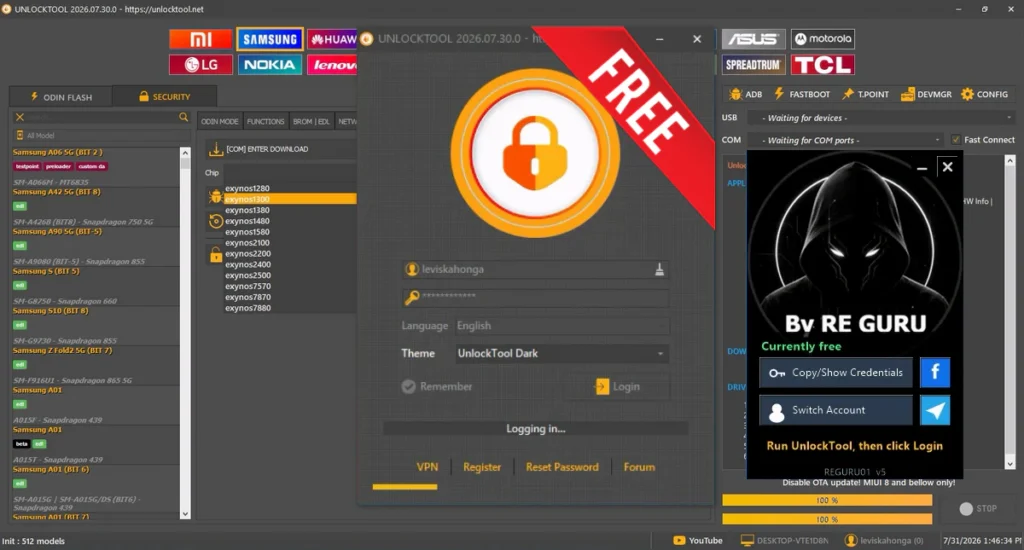
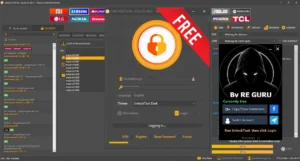
UnlockTool, is one of the most popular GSM software used for Android and iPhone servicing. It supports Qualcomm, MediaTek, Unisoc (Spreadtrum), Samsung, Xiaomi, OPPO, Vivo, Huawei, Motorola, Apple and many other brands from a single interface. This release is shared through the RE_GURU launcher and is currently available for free according to the developer. I checked the launcher, activation process and software interface on a secondary Windows PC, and it loaded successfully during my testing.
Support Brands:
- Xiaomi
- Samsung
- Huawei
- OPPO
- Vivo
- Motorola
- Apple
- Nokia
- LG
- ASUS
- Lenovo
- TECNO
- Infinix
- and many other brands.
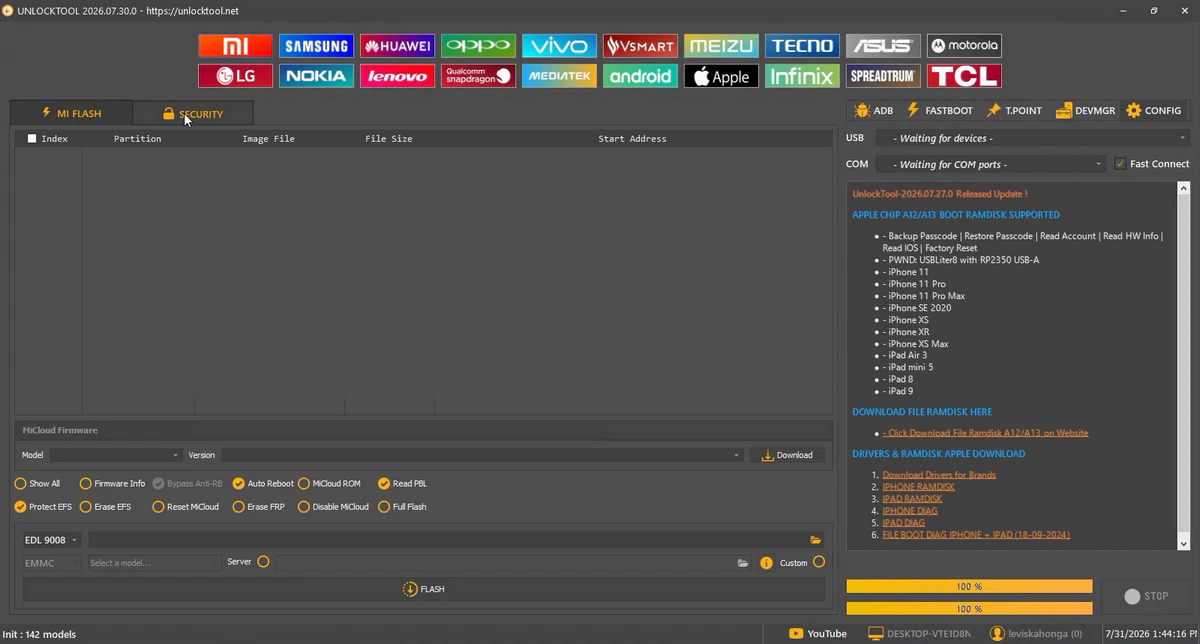
Features:
- Works with Qualcomm, MediaTek and Spreadtrum/Unisoc devices.
- ADB, Fastboot, EDL and other supported connection modes.
- Separate modules for Android and Apple devices.
- MediaTek Custom DA support.
- Preloader mode operations for supported devices.
- Test Point support for selected models.
- BROM mode support for compatible MediaTek devices.
- FRP removal options.
- Factory Reset functions.
- Bootloader related operations.
- Firmware flashing support.
- Read device information.
- Backup and restore options for supported devices.
- Remove Demo Mode functions.
- Repair options for supported models.
- Built-in device search box.
- Dark interface with separate brand tabs.
- USB connection status panel.
- Communication port selection.
- Fast Connect option.
- Supports multiple service modules from one interface.
- Large supported device database.
- RE_GURU launcher activation through Telegram.
- Runs on Windows computers.
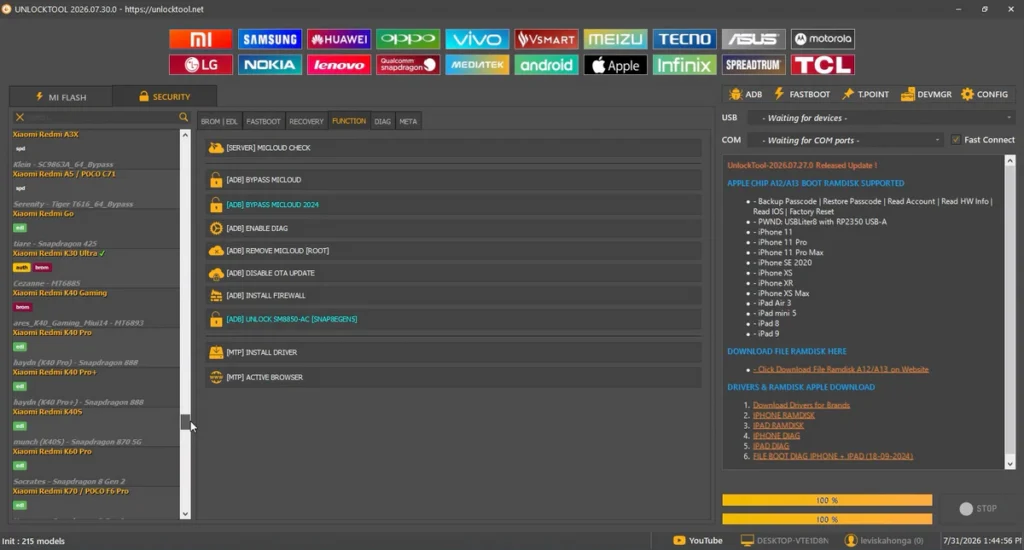
iPhone:
- iPhone 11
- iPhone 11 Pro
- iPhone 11 Pro Max
- iPhone SE (2020)
- iPhone XS
- iPhone XS Max
- iPhone XR
- iPad Air (3rd Generation)
- iPad mini (5th Generation)
- iPad (8th Generation)
- iPad (9th Generation)
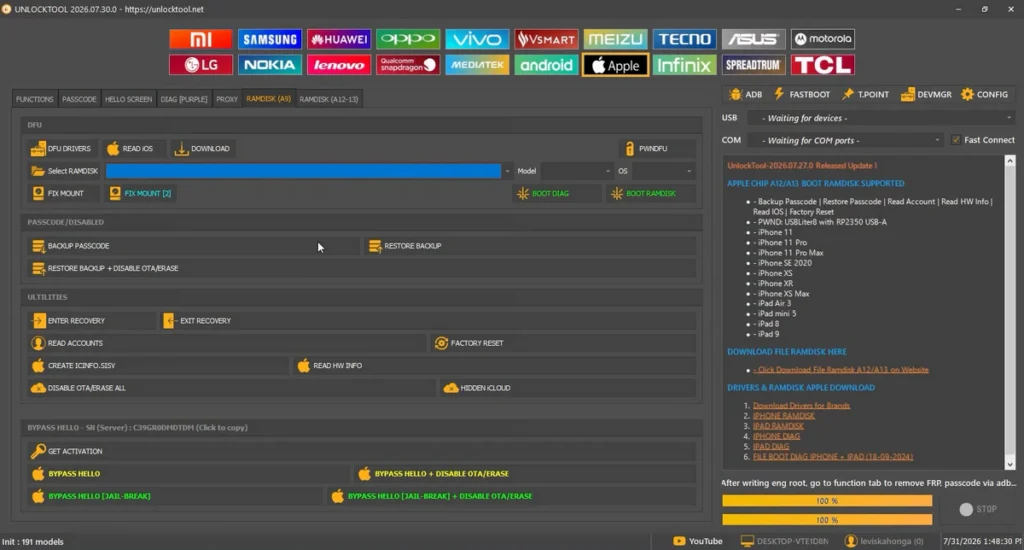
Apple A12 / A13:
Boot Ramdisk Support:
- Added Boot Ramdisk support for Apple A12 and A13 devices.
- Added Passcode Backup.
- Added Passcode Restore.
- Added Read Account.
- Added Read Hardware Information.
- Added Read iOS Information.
- Added Factory Reset.
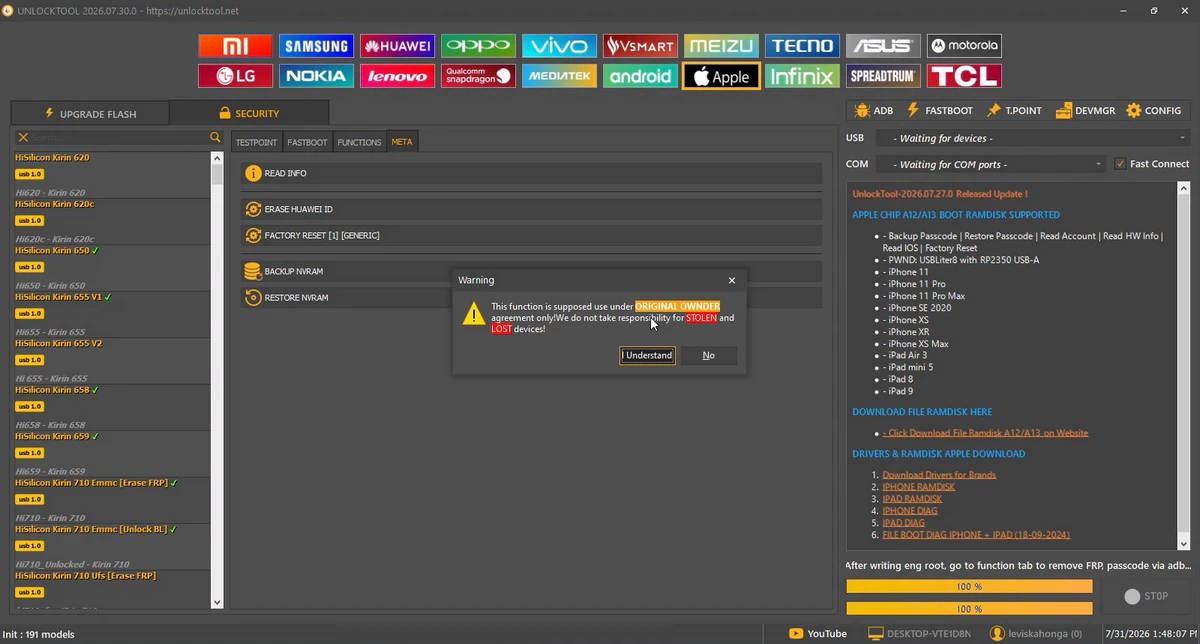
Operations!!!
Samsung:
FRP, unlock, repair, flashing, KG-related servicing on supported Samsung models.
Xiaomi / Redmi / Poco:
Bootloader operations, FRP bypass, software servicing and advanced Android repair functions.
Oppo / Vivo / Realme:
Factory reset, flashing, FRP-related tasks and supported repair functions on multiple models.
Huawei / Honor:
Supported repair and software servicing functions depending on model and security level.
MTK Devices:
MediaTek-based devices are supported for multiple operations including reset, flashing and service tasks.
Qualcomm Devices:
UnlockTool supports many Qualcomm devices for advanced software servicing and maintenance operations.
🚀 Supported Operations:
- FRP (Google Account) Bypass
- Firmware Flashing
- Factory Reset
- Bootloader Unlock / Relock
- Screen Lock Removal
- Device Repair & Service Functions
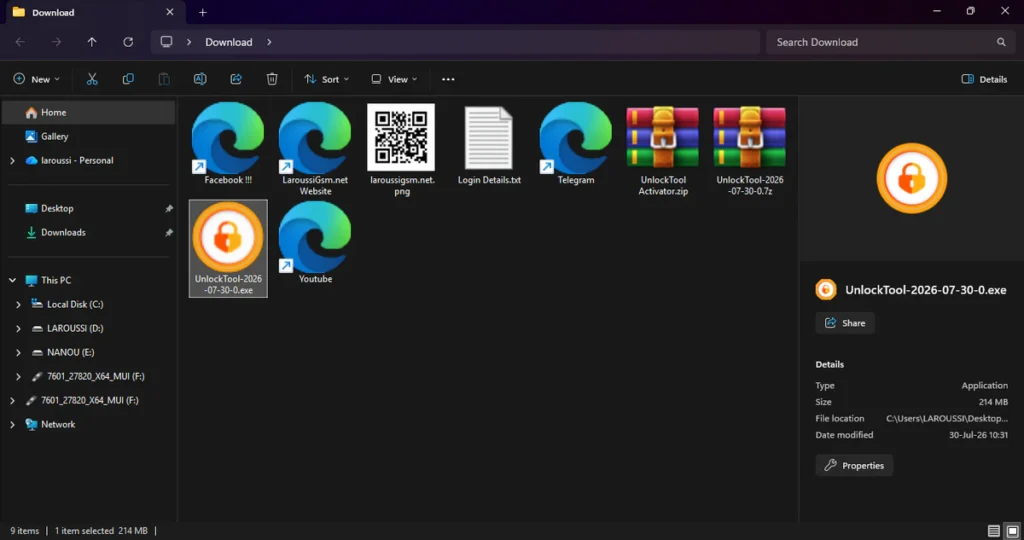
| File Info | Details |
|---|---|
| File Name : | UnlockTool-2026-07-30-0.7z |
| Version : | V2026-07-30-0 (Updated 2026) |
| File size : | 232.4 MB (ِExtracted Size : 445 MB) |
| Password RAR : | LAROUSSIGSM.NET |
| Activation Files Only: | 𝗨𝗣𝗟𝗢𝗔𝗗𝗥𝗔𝗥 | 𝗨𝗣𝗟𝗢𝗔𝗗𝟰𝗘𝗩𝗘𝗥 | 𝗠𝗘𝗚𝗔𝟰𝗨𝗣 | 𝗙𝗥𝗘𝗘𝗗𝗟𝗜𝗡𝗞 |
🎁 Register your account & download the activation:
https://re-guru.com
HOW TO USE ?
- First, you need to download the zip file from the below link.
- Next, you can unzip all files at c: drive (important).
- Ensure you have disabled the antivirus before running the installation.
- Next, open the folder and install the setup file with some basic instruction.
- Run the RE_GURU launcher as Administrator.
- Click Activate with a Code.
- Open the official RE_GURU Telegram bot from the launcher.
- Copy the generated 6-digit code.
- Paste the code into the activation window and click Activate.
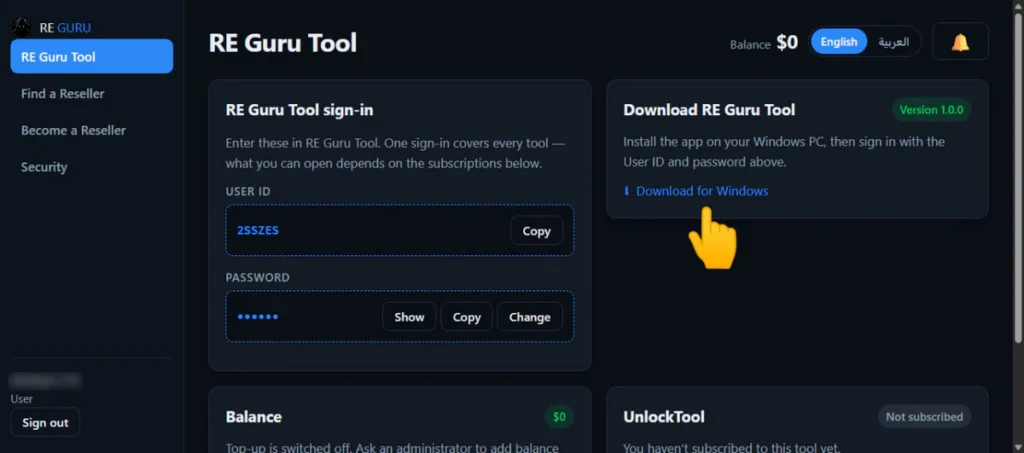
- Save the generated User ID and Password shown by the launcher.
- Now, Click Run UnlockTool-2026-07-30-0.exe.
- Open Windows Task Manager and locate UnlockTool.exe.
- Go to Details and change the process priority to Realtime.
- Return to the launcher and click Login.
- Accept the disclaimer window.
- Wait until all modules finish loading.
- Next, you can install all drivers (included in the tool only need to one-click) if you already installed skip this step
- Connect the phone and try to do any function
- Enjoy !!!
Take a Backup: If you are willing to try the above tool, then please take a backup of your personal data from your Android Smartphone or Tablet. As flashing any Firmware or recovery may brick the device.
Credits: The Tool is created and distributed by the developer. So, full credits go to the developer for sharing the tool for free.