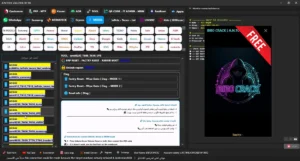
KGKILLER Tool V2.2 Free-No Login & Password ADB Read Info, FRP Universal, Samsung KG Options, Samsung Account Remove, Vivo FRP Methods, IT Admin Tools, MDM Support, QR Code ADB Enable
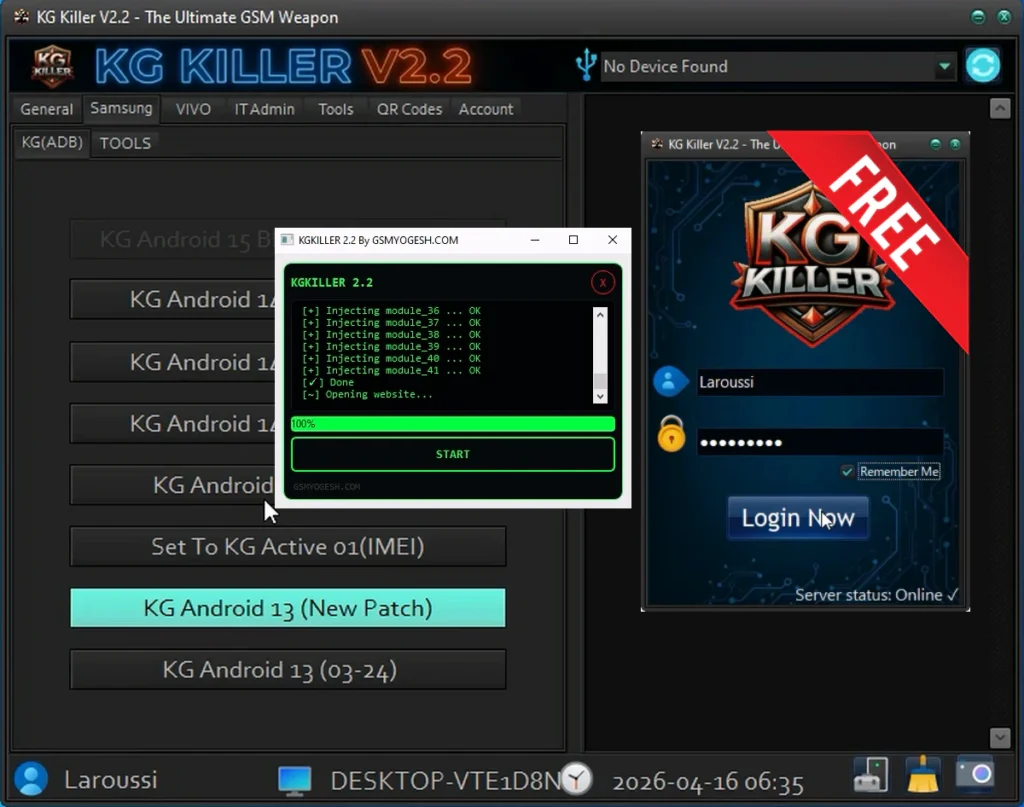
KGKILLER Tool, completely login free! This version includes useful features like ADB read info, FRP universal, Samsung KG options, Samsung account remove, Vivo FRP methods, IT Admin tools, MDM support, QR code ADB enable, and many more. You don’t need any login or account. Just open the tool and use all features freely without any restriction.
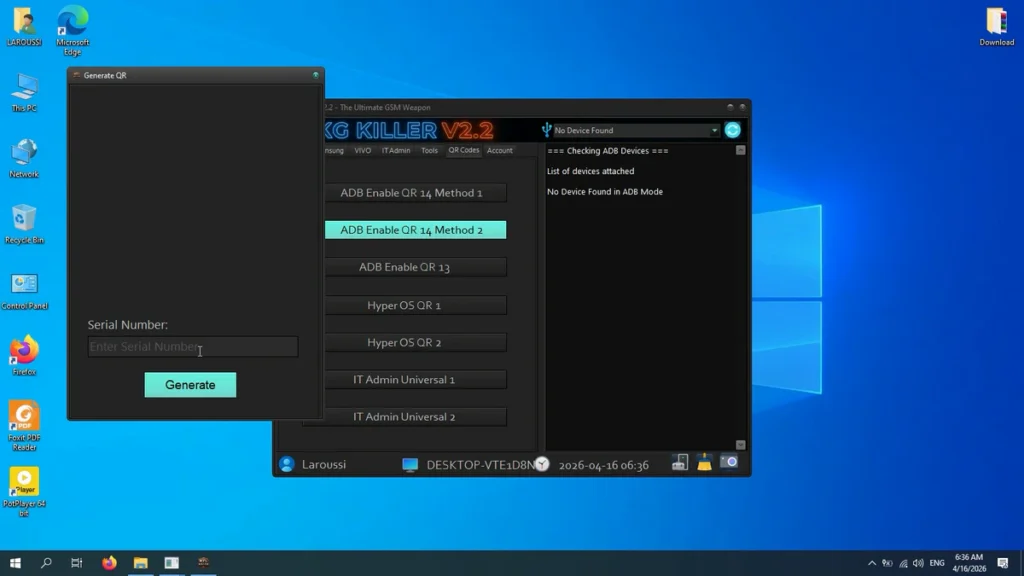
Features KG KILLER V2.2
General
- ADB Read Info
- Live Screen (ADB)
- Install Samsung Driver
- Check KG Status (ADB)
- Samsung Payjoy (New)
- Disable Google Framework APK
- FRP Universal (ADB)
- Samsung Knox Disable
Samsung (KG / ADB)
- KG Android 15 BETA (APK Method)
- KG Android 14 New Method 1
- KG Android 14 New Method 2
- KG Android 14 New Method 3
- KG Android 14 (All Patch)
- Set To KG Active 01 (IMEI)
- KG Android 13 (New Patch)
- KG Android 13 (03-24)
Samsung (Tools)
- App Install Fix (Play Store)
- Service Provider Update Fix
- Samsung Account Remove (ADB)
VIVO
- Vivo FRP Android 15 (ADB) Method 1
- Vivo FRP Android 15 (ADB) Method 2
- Vivo FRP Android 15 (ADB) Method 3
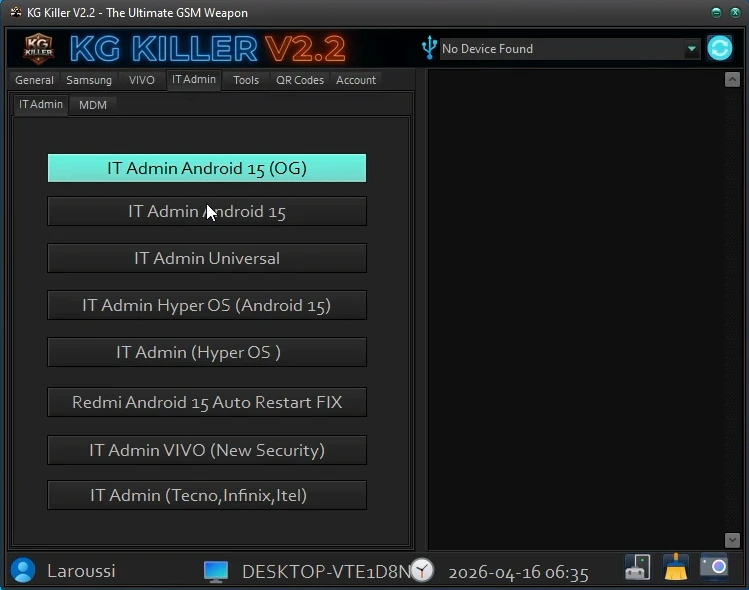
IT Admin
- IT Admin Android 15 (OG)
- IT Admin Android 15
- IT Admin Universal
- IT Admin Hyper OS (Android 15)
- IT Admin (Hyper OS)
- Redmi Android 15 Auto Restart Fix
- IT Admin VIVO (New Security)
- IT Admin (Tecno, Infinix, Itel)
MDM
- Tecno MDM (ADB)
Tools
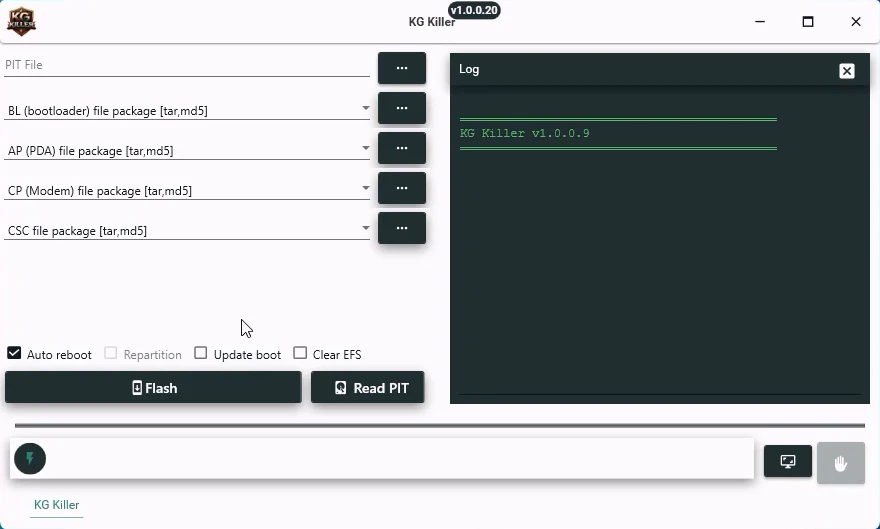
- Samsung Flash Tool
- Sim Unlock (Pixel)
- Disable Factory Reset Method 1
- Disable Factory Reset Method 2
- Disable OTA Updates
- Enable OTA Updates
- Install Samsung Driver
- Developer Option Hide
QR Codes
- ADB Enable QR 14 Method 1
- ADB Enable QR 14 Method 2
- ADB Enable QR 13
- Hyper OS QR 1
- Hyper OS QR 2
- IT Admin Universal 1
- IT Admin Universal 2
| File Info | Details |
|---|---|
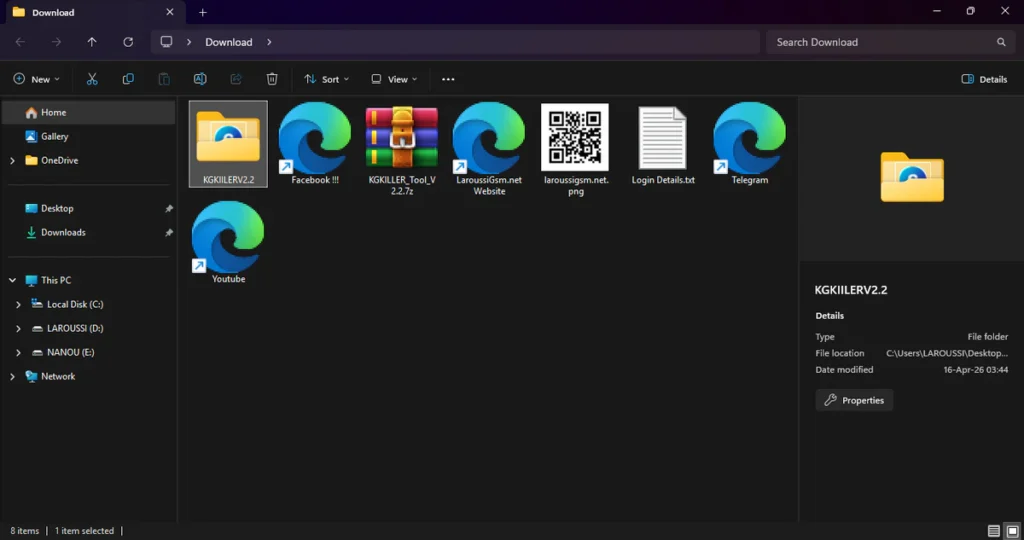
| File Name : | KGKILLER_Tool_V2.2.7z |
| Version : | V2.2 (Updated 2026) |
| File size : | 177.7 MB (ِExtracted Size :452 MB) |
| Password RAR : | laroussigsm.net |
| Download Link : | 𝗨𝗣𝗟𝗢𝗔𝗗𝗥𝗔𝗥 | 𝗨𝗣𝗟𝗢𝗔𝗗𝟰𝗘𝗩𝗘𝗥 | 𝗠𝗘𝗚𝗔𝟰𝗨𝗣 | 𝗙𝗥𝗘𝗘𝗗𝗟𝗜𝗡𝗞 |
HOW TO USE ?
- First, you need to download the zip file from the below link.
- Next, you can unzip all files at c: drive (important)
- Ensure you have disabled the antivirus before running the installation
- Next, open the folder and install the setup file with some basic instruction
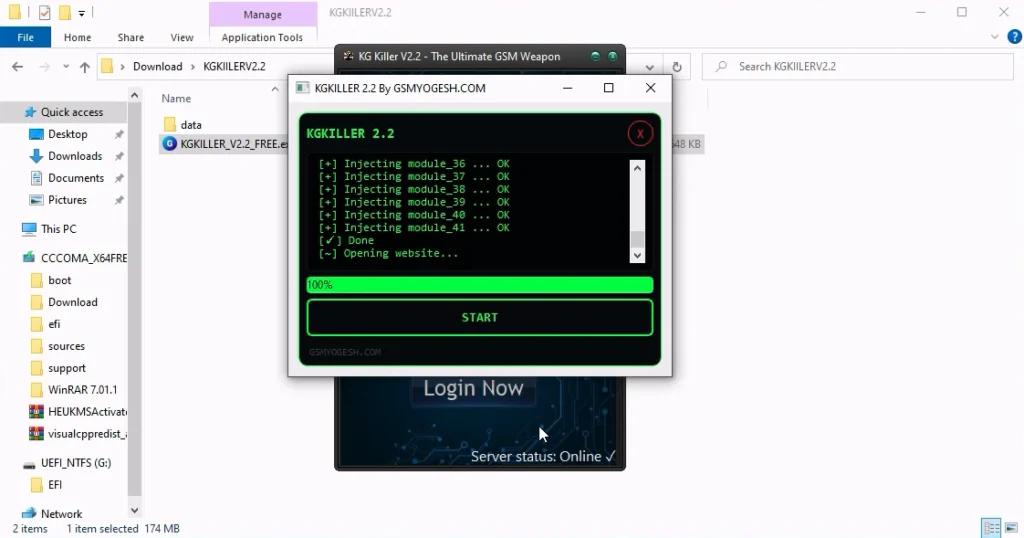
- Run the shortcut from the desktop “KGKILLER_V2.2_FREE.exe”.
- Once the tool opens, click on the Start button, Wait until the process reaches 100%. Do not skip this step.
- After that, you will see a login screen, Enter any random username and password.
- Next, you can install all drivers (included in the tool only need to one-click) if you already installed skip this step
- Connect the phone and try to do any function
- Enjoy !!!
Take a Backup : If you are willing to try the above tool, then please take a backup of your personal data from your Android Smartphone or Tablet. As flashing any Firmware or recovery may brick the device.
Credits : The Tool is created and distributed by the developer. So, full credits go to the developer for sharing the tool for free.