SPRD IMEI Write Tool V10.00.01 Free Write Single & Dual IMEI/Bluetooth/MBSN & PSN For Spreadtrum/Unisoc Android Devices Useful For Software Repair Shops
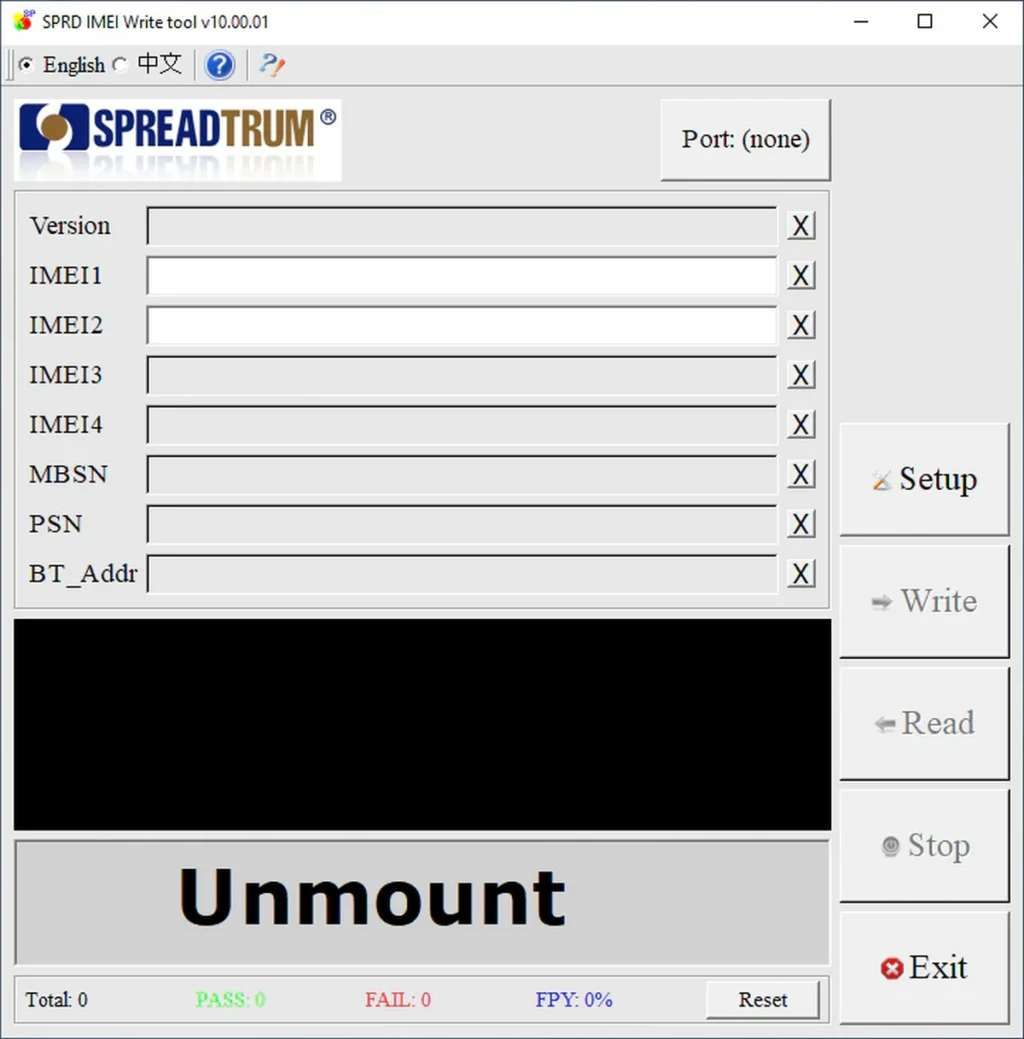
SPREADTRUM SPRD IMEI Write Tool, is a small Windows program used for Spreadtrum/Unisoc Android devices. It helps service technicians repair missing or damaged IMEI numbers on supported phones after software issues, flashing errors, or baseband problems.
Features of SPRD IMEI Write Tool:
- Write IMEI on Spreadtrum / Unisoc devices
- Supports single and dual IMEI phones
- Simple and lightweight interface
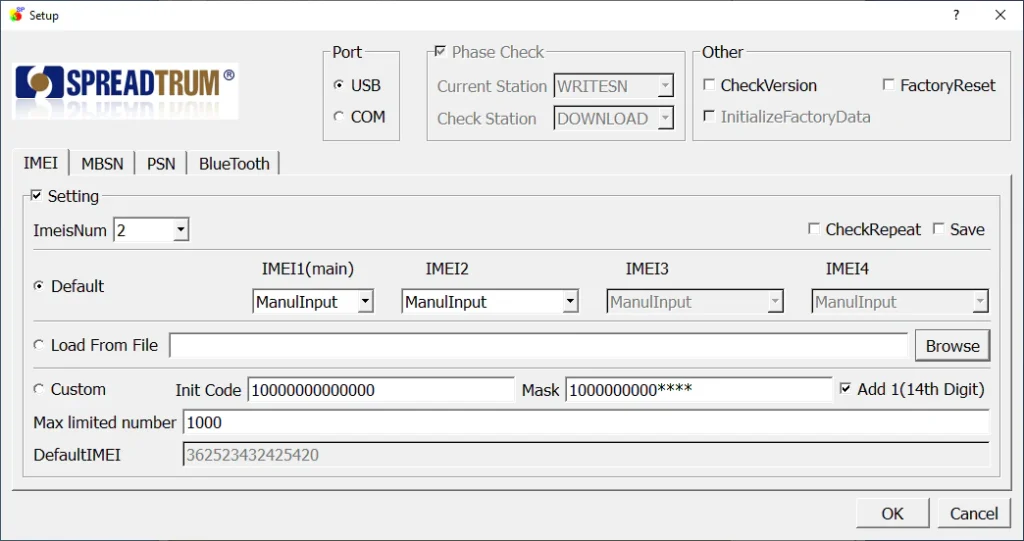
- USB and COM port support
- Can write Bluetooth address
- MBSN and PSN writing support
- Factory reset option included
- CheckVersion support
- Phase Check feature available
- Works with many SPRD Android phones
- Fast writing process
- Useful for software repair shops
What’s New in Version 10.00.01:
- Updated Device Support: Better support for newer Spreadtrum models.
- Improved Stability: Fixed random crashes during write process.
- Better Driver Detection: Improved phone detection on USB mode.
- UI Improvements: Cleaner and smoother setup window.
Benefits of SPRD IMEI Write Tool:
- Free and easy to use
- No heavy installation needed
- Good for beginners and technicians
- Works on low-end PCs
- Fast IMEI repair process
- Trusted by many mobile repair users
| File Info | Details |
|---|---|
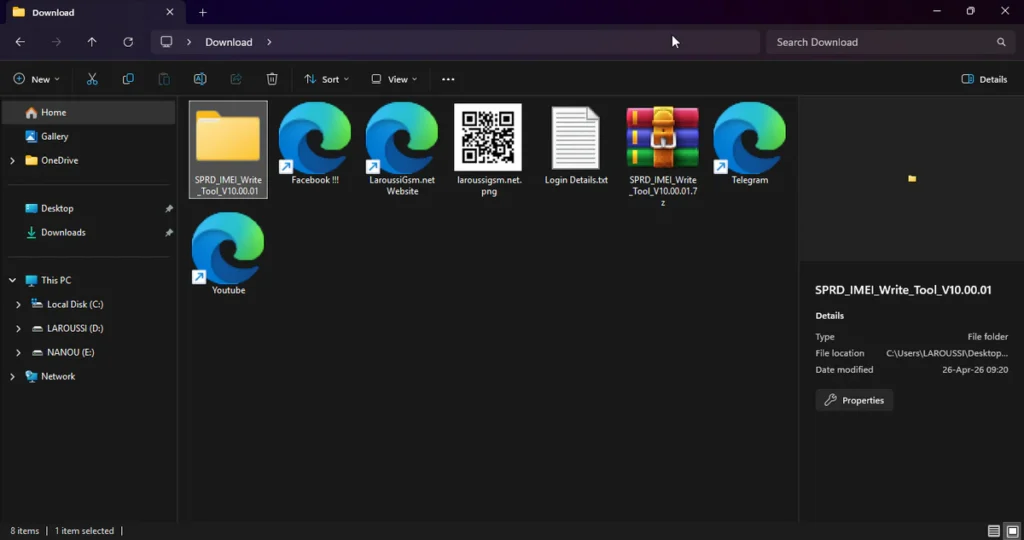
| File Name : | SPRD_IMEI_Write_Tool_V10.00.01.7z |
| Version : | V10.00.01 (Updated 2026) |
| File size : | 7.4 MB (ِExtracted Size :45 MB) |
| Password RAR : | laroussigsm.net |
| Download Link : | 𝗨𝗣𝗟𝗢𝗔𝗗𝗥𝗔𝗥 | 𝗨𝗣𝗟𝗢𝗔𝗗𝟰𝗘𝗩𝗘𝗥 | 𝗠𝗘𝗚𝗔𝟰𝗨𝗣 | 𝗙𝗥𝗘𝗘𝗗𝗟𝗜𝗡𝗞 |
HOW TO USE ?
- First, you need to download the zip file from the below link.
- Next, you can unzip all files at c: drive (important)
- Ensure you have disabled the antivirus before running the installation
- Next, open the folder and install the setup file with some basic instruction
- Run the shortcut from the desktop “WriteIMEI.exe”.
- Click on Setup button.
- Select USB mode.
- Choose how many IMEI numbers your phone uses (1 or 2).
- Next, you can install all drivers (included in the tool only need to one-click) if you already installed skip this step
- Connect the phone and try to do any function
- Enjoy !!!
Take a Backup : If you are willing to try the above tool, then please take a backup of your personal data from your Android Smartphone or Tablet. As flashing any Firmware or recovery may brick the device.
Credits : The Tool is created and distributed by the developer. So, full credits go to the developer for sharing the tool for free.